Setup Wizard
When you first open SharedMoments, the setup wizard guides you through the initial configuration.
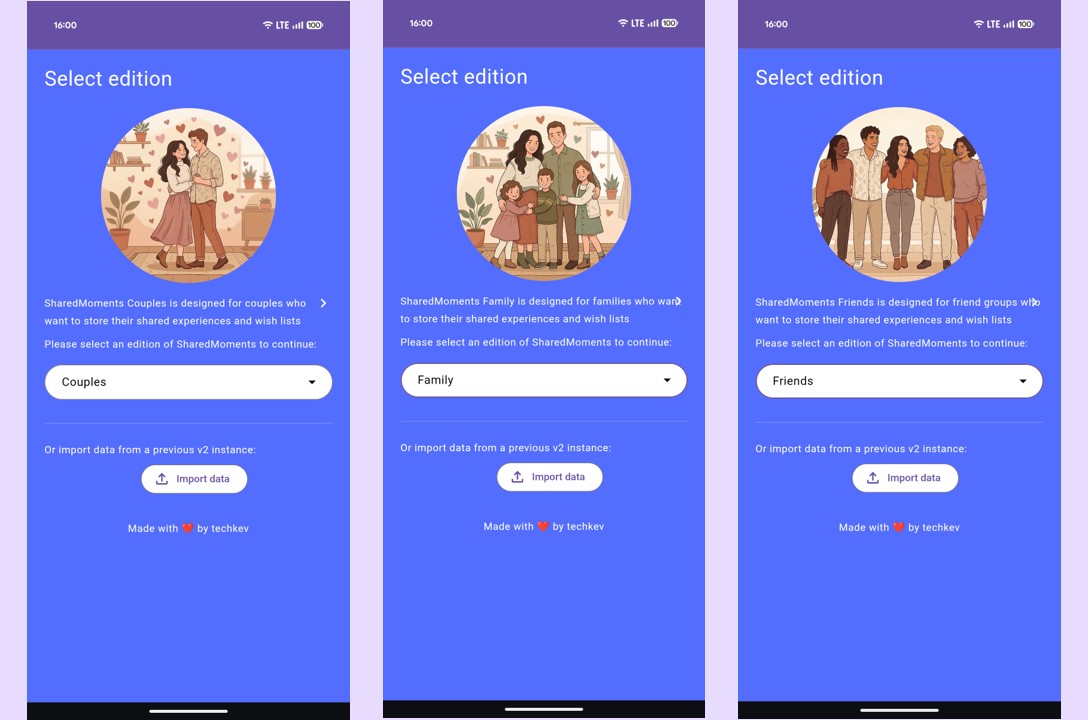
Choose the edition that fits your group:
| Edition | Description |
|---|---|
| Couples | For partners — includes relationship status, anniversary, engagement & wedding dates |
| Family | For families — family name and founding date |
| Friends | For friend groups — group name and founding date |
You can switch editions at any time without losing data.
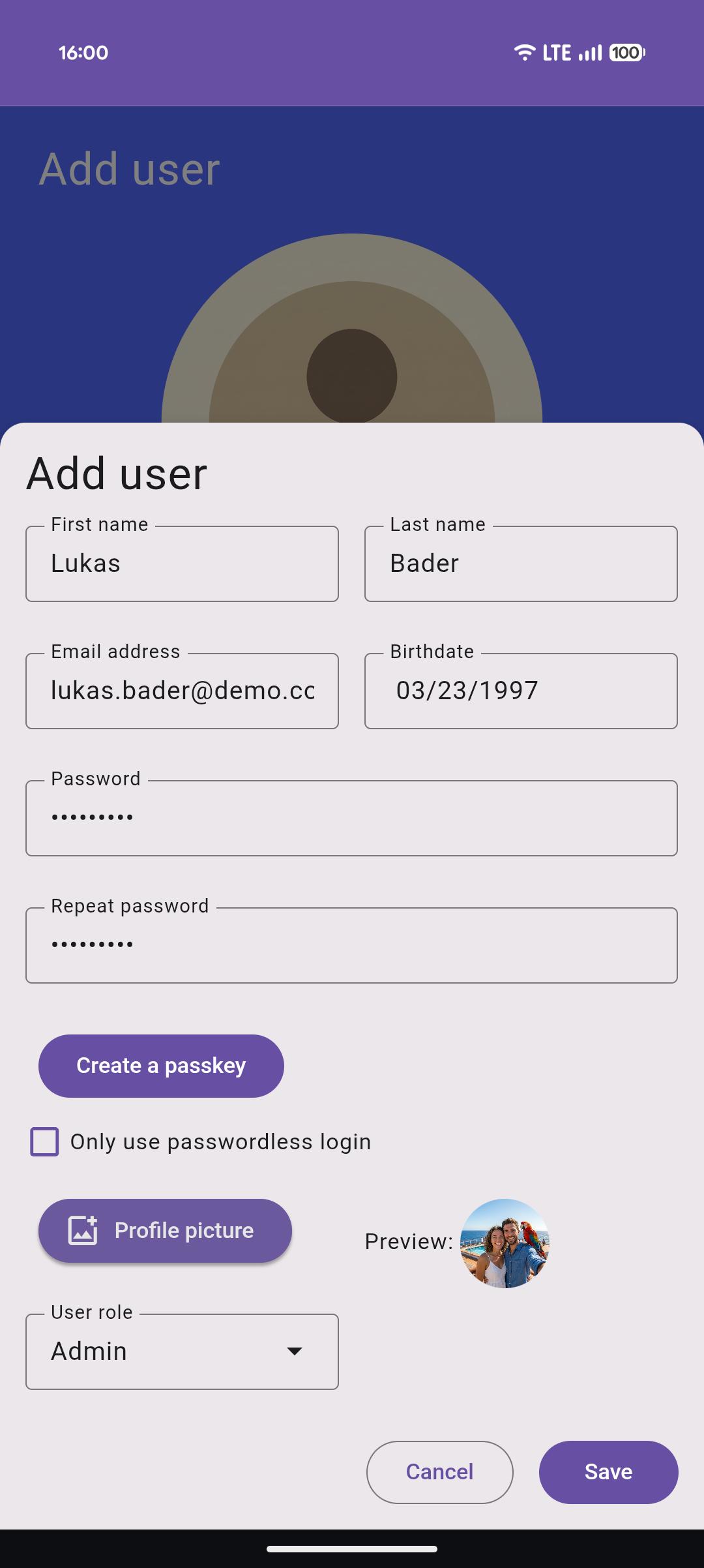
Create users on the next page. The first user automatically receives the Admin role.
For each user, you provide:
- First name & last name
- Email address
- Birth date
- Profile picture (optional)
- Password
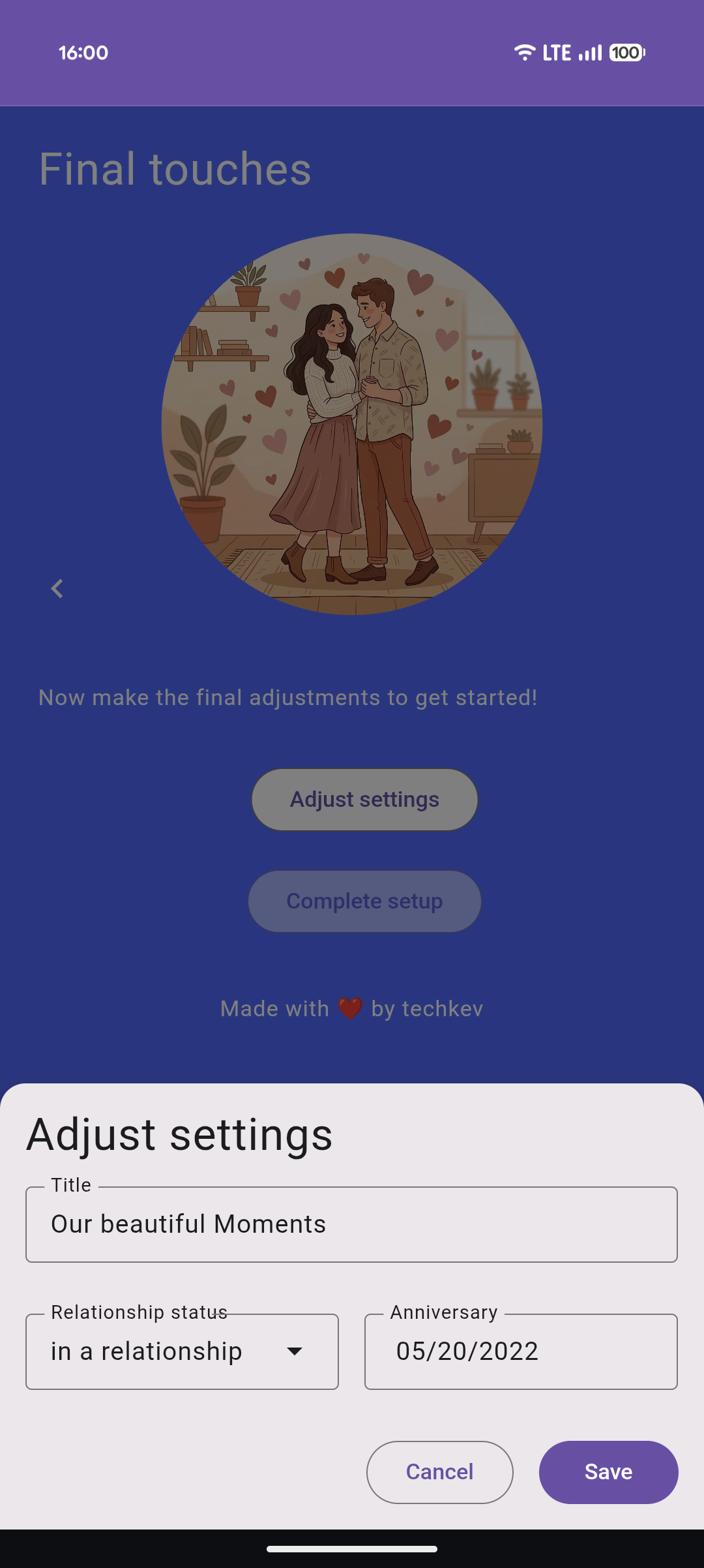
Depending on the selected edition, you'll be asked for:
- Couples — Title, relationship status, anniversary date, engagement date, wedding date
- Family — Title, family name, founding date
- Friends — Title, group name, founding date
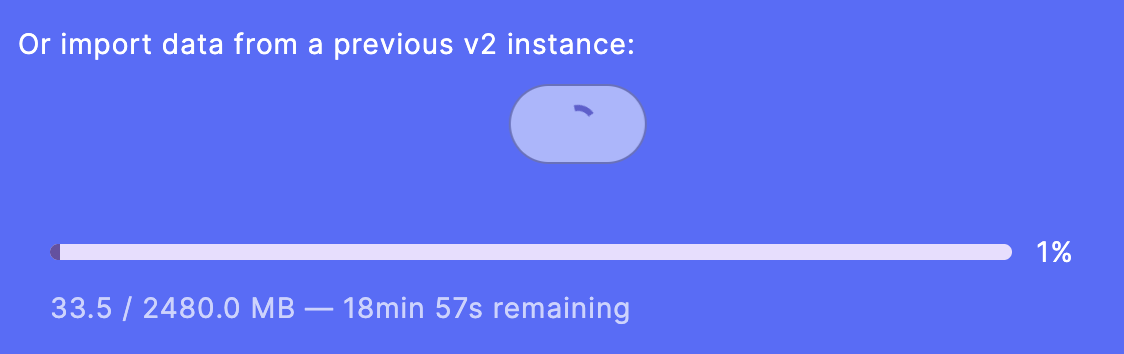
Instead of filling out the wizard manually, you can import a previously exported ZIP file during setup. This restores all data including settings, users, items, and media.
See Data Export & Import for details on the export format.