Is your child's learning app actually safe? Here are 5 real red flags to check in 2026, from data collection to COPPA compliance, before you let them play.
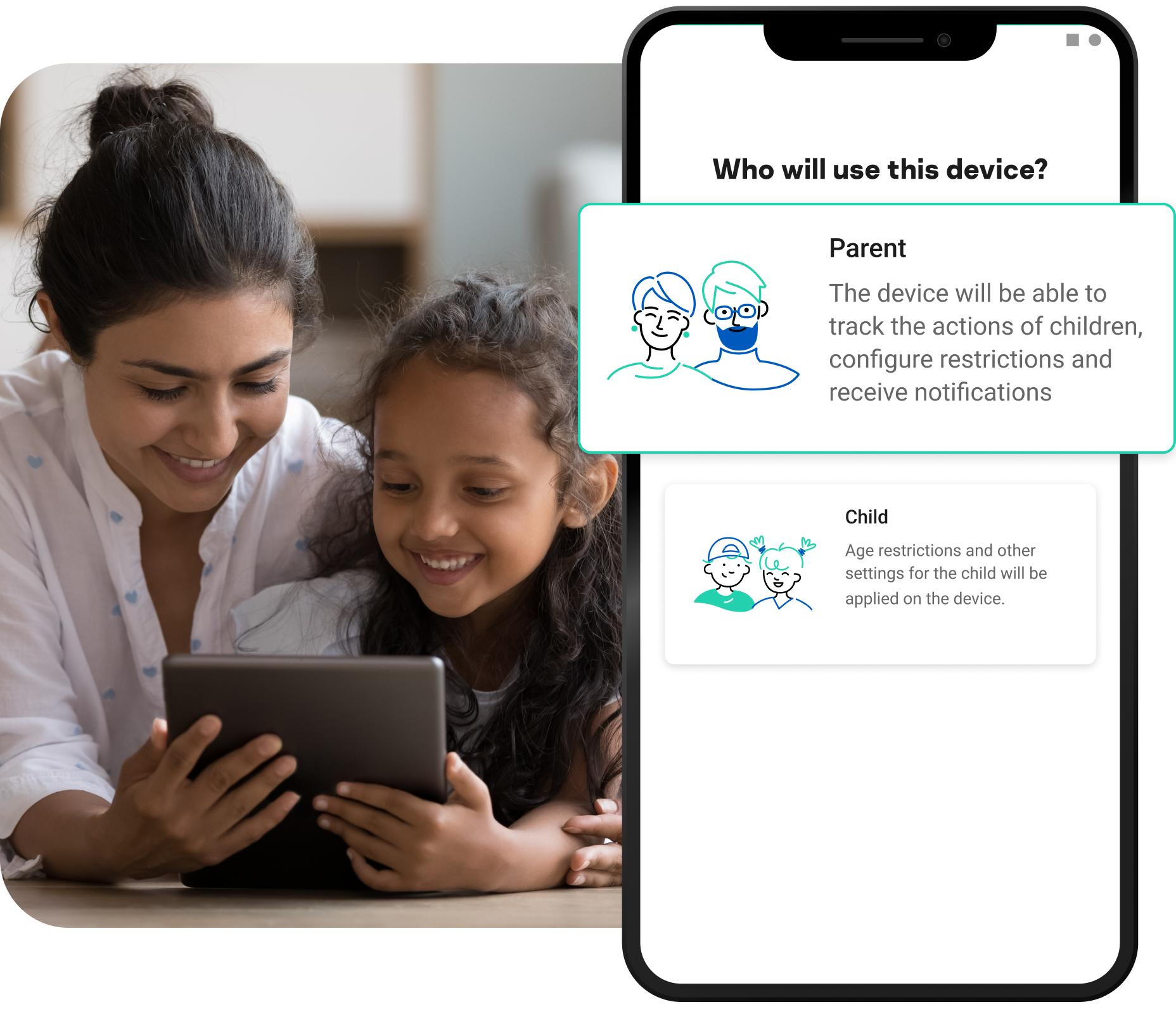
"Safe" for a kids' app used to just mean no violence and no scary content. In 2026, it means something much bigger: what data is being collected, who it's shared with, and whether the company is even legally allowed to have it. Here's how to actually check if your child's learning app is safe, red flag by red flag.
Under the FTC's updated COPPA rule, apps are now required to ask for separate permission before sharing a child's data with third parties. If an app rolls everything — account setup, ads, data sharing — into one blanket "I agree" screen, that's a clear kids app privacy red flag. Transparent apps break consent into distinct, readable steps.
Per the 2026 COPPA amendments, companies are now required to publish a written data retention policy and delete a child's data once it's no longer needed for its original purpose — a class assignment finished, a subscription cancelled. If you can't find any statement about how long your child's data is kept, assume the worst.
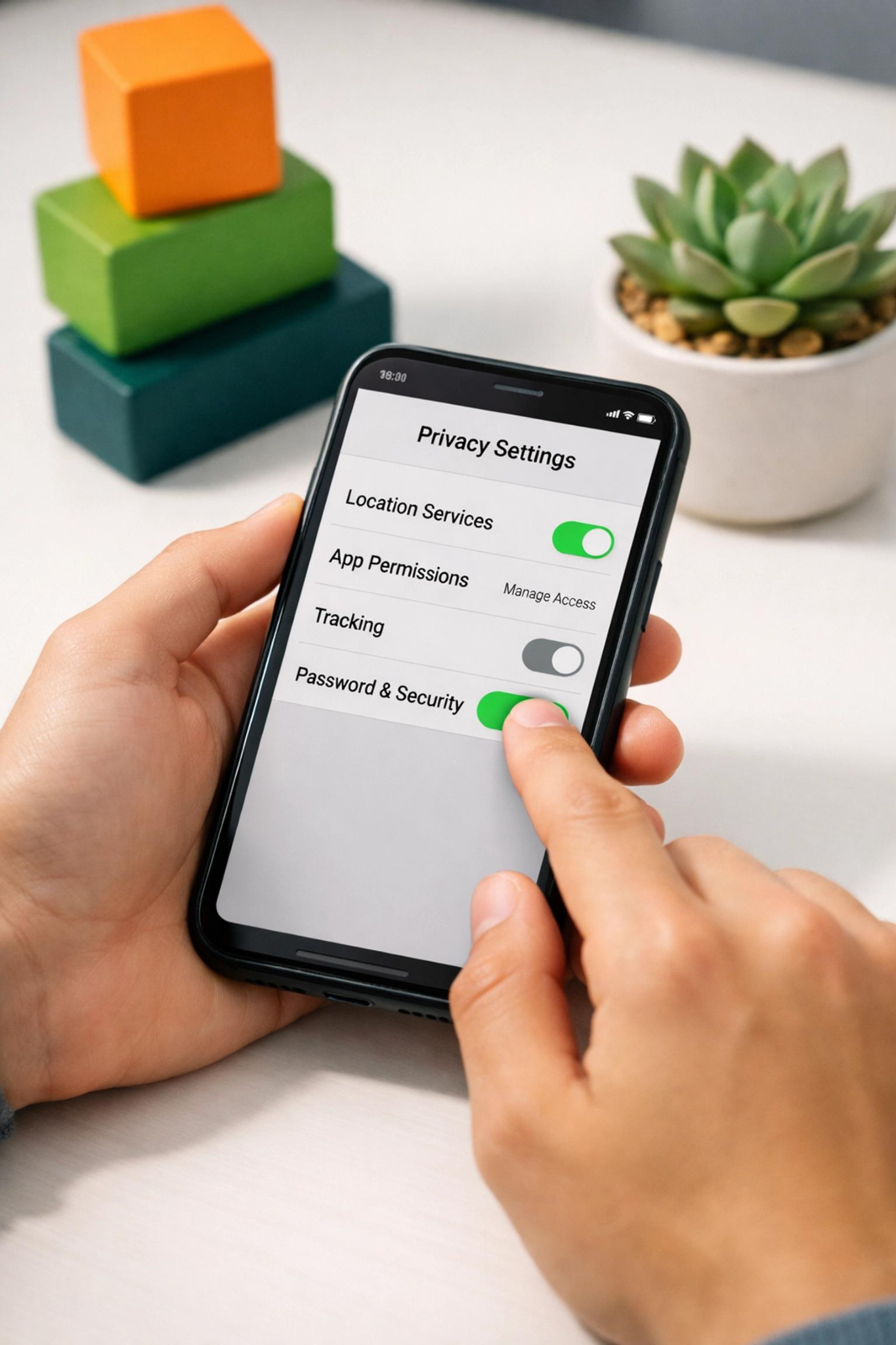
A learning app has no legitimate reason to request a child's precise location or continuous microphone access unless that's core to a feature you actually use. Check what permissions an app has requested — on iOS: Settings > Privacy & Security; on Android: Settings > Apps > Permissions — and revoke anything the app doesn't need to function.
This is new territory in 2026. The updated COPPA rule has expanded the definition of protected children's data to include biometric identifiers like face scans, voiceprints, and even movement patterns picked up by motion-based games. If an app uses face filters, voice avatars, or fingerprint logins for a young child, ask exactly why — and whether that data can be deleted on request.
Reputable kids learning apps are often reviewed by Common Sense Media's privacy program, which verifies COPPA compliance and content quality independently, rather than relying on the company's own claims. If an app can't point to any third-party verification and dodges direct questions about its privacy practices, treat that evasiveness itself as the red flag.
Ask three questions before your child opens any new app:
Can I find a plain-language privacy policy in under two minutes?
Does it ask for only the permissions it clearly needs?
Is there an actual named company and support contact behind it — not just a storefront listing?
It also helps to know which names in the market already have an established safety reputation worth verifying:
Khan Academy Kids – Offers free interactive lessons, games, stories, and activities for early learning, including reading, math, and problem-solving.
Zape Learning App – Provides interactive games, quizzes, and activities that help children improve math, critical thinking, problem-solving, and overall academic skills.
ABCmouse – Covers early learning topics like reading, math, science, art, and creativity through engaging activities.
PBS Kids Games – Provides educational games that support literacy, math, science, and social learning skills.
Q: What is COPPA and why does it matter for the best learning apps?
COPPA is a US federal law requiring apps that collect data from children under 13 to get verifiable parental consent and limit how that data is used, shared, and retained.
Q: Should I worry about apps that use my child's voice or face for filters?
Yes — biometric data like voiceprints and facial scans are now explicitly protected under updated 2026 rules, and safe learning apps for toddlers must get separate consent before collecting it.
Q: Is a free learning app automatically less safe than a paid one?
Not automatically, but free learning apps for kids are statistically more likely to monetize through data sharing or ads, so it's worth checking their privacy policy just as carefully.
Q: What permissions should a toddler learning app never need?
Precise location and always-on microphone or camera access are rarely necessary for a core learning experience — treat requests for these as a reason to dig deeper.
Want a learning app you don't have to interrogate? Try Zape Learning App — ad-free, privacy-conscious, and built specifically with young children's safety in mind.