Accounts
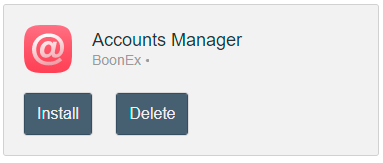
For manage UNA accounts need install App Accounts Manager. (Learn more about installing apps)
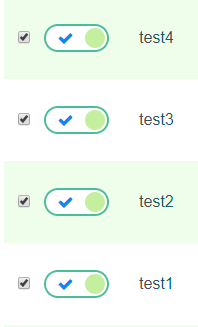
On the Accounts Manager settings page you can see a list of all accounts that were registered on the system. You can Activate / Suspend account by using switcher.
To show action menu for selected account need to click the icon in the far right column:
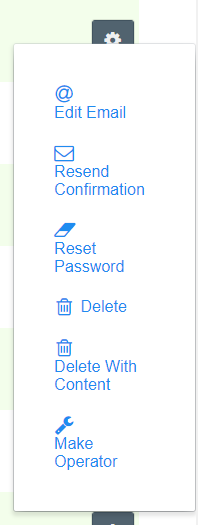
Available actions:
- Edit Email - allows to change account email address, as well as change the status of receiving information about system updates and newsletters.
- Resend Confirmation - resend the Confirmation letter to account email address.
- Reset Password - allows change the account's password
- Delete - remove account from UNA
- Delete With Content - remove account and all related content from UNA
- Make / Unmake Operator - gives operator status to account. Operator status allows manage the UNA from Studio.
The following bulk actions are also available with accounts.
To select several accounts, need to check the checkboxes to the left of them

- Activate (for suspended accounts)
- Suspend (for activer accounts)
- Resend Confirmation - as described above
- Delete - as described above
- Delete With Content - as described above