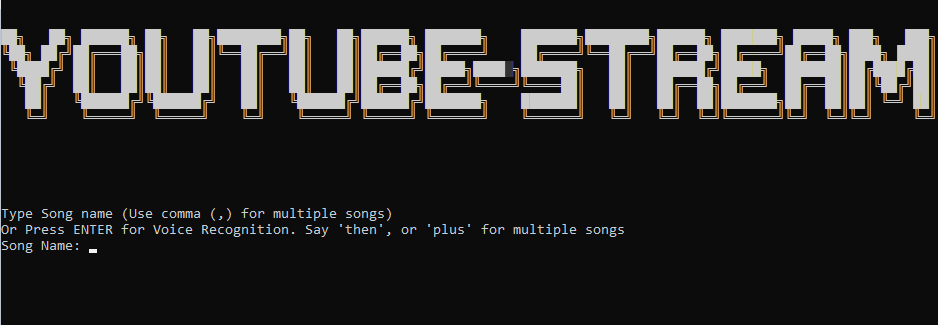


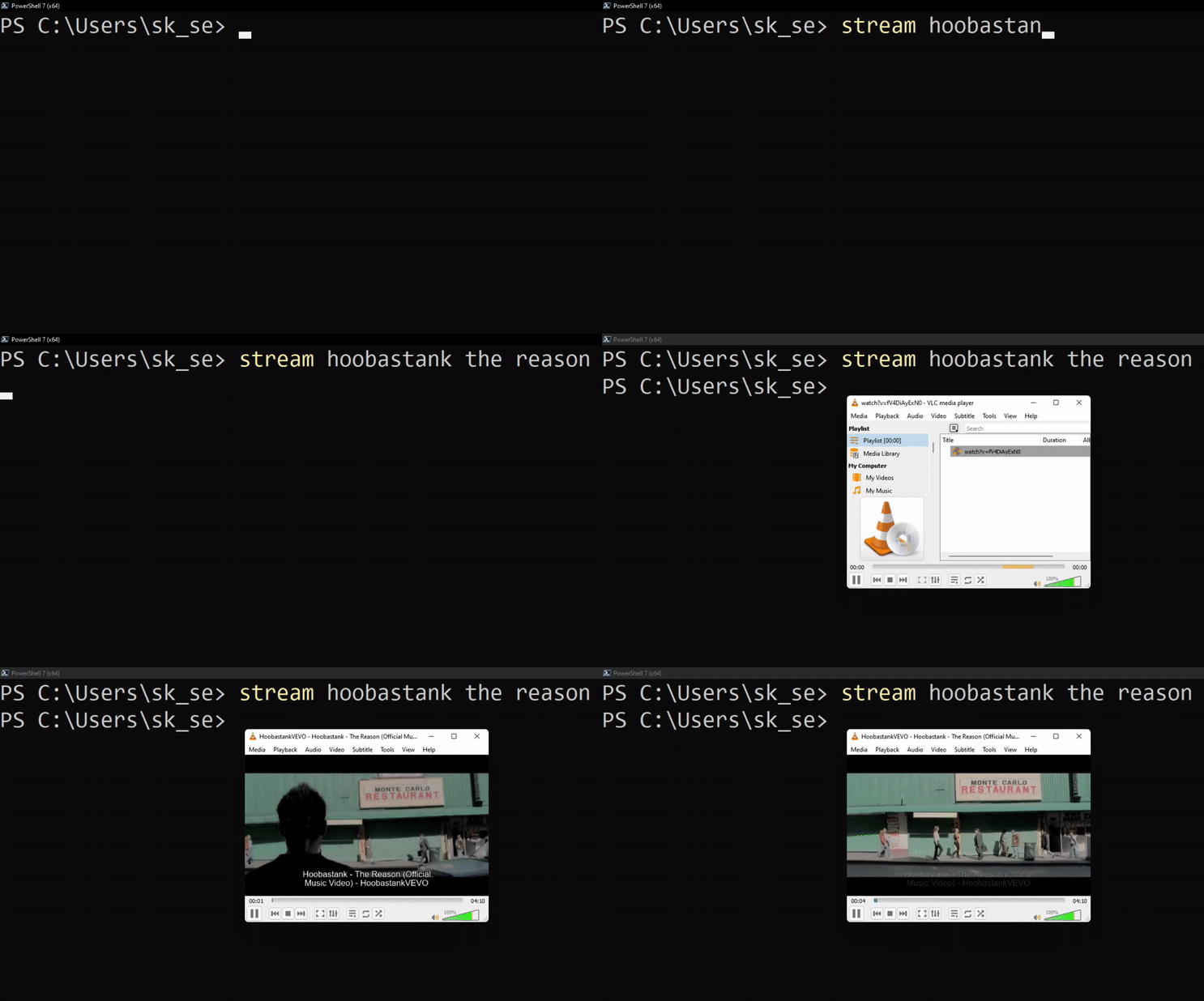
youtube-stream is a console app for streaming videos quickly from Youtube. Suppose you are working on something and don't have the feeling for opening up youtube, search for the song and play it. It is also a bit more troublesome for playing multiple songs from youtube. That's why I have made a module from where you can listen and watch your favourite songs as quickly as possible. Even there is a voice search option for lazy typists. Using this app, you can stream/play multiple videos/musics at once with a single command. e.g. stream the reason, aurora runaway will add Hoobastank's Reason and Aurora's Runaway song in your vlc playlist and play them one after another.
- Download and Install VLC
- Download youtube-stream.exe
- Run youtube-stream.exe
- Download and Install VLC
- Download and Install Python. (Mark Add Python to Path while installation)
- Open
Command PromptorPowershelland Run:
python -m pip install youtube-streamFrom command line, run:
sudo apt install vlc python3 python3-pip && pip install -U youtube-streamFrom command line, run:
sudo dnf install vlc python3 python3-pip && pip install -U youtube-streamFrom command line, run:
sudo pacman -Syu vlc python3 python3-pip && pip install -U youtube-streamRun from command line (Powershell/Bash/CMD/zsh/fish)
stream <song name>e.g. To Play Journey's Don't Stop Believing
stream Journey dont stop believingFor multiple songs use comma
(,)after each song
stream <song name>, <song name>, <song name>e.g. To Play Passenger's Let her go, Hoobastank's The Reason, Majhe Majhe tobo dekha pai by arnob
stream let her go, the reason hoobastank, majhe majhe tobo arnobRun from command line (Powershell/Bash/CMD/zsh/fish)
streamNow speak the song name. e.g. Hello by adele
For multiple songs, say
thenorplusafter saying each song name
e.g iridescent linkin park then yellow coldplay
- Support for Downloading Videos in High Quality
- Support for other media players e.g. MPV, KMP etc.