simplog is a simple blog theme for Hugo.

Demo site is here.
- Google Analytics
- Disqus
- Some theme colors
- Responsive
- Custom CSS
- Adobe Fonts
- Lazy load image
- Support tags, categories and archives page
- Show related tags and categories posts
git submodule add https://github.com/michimani/simplog.git ./themes/simploggit submodule update --remote --mergeYou can insert the Google Analytics tracking code into top of head tag. If you insert the tag, set tracking ID at config.toml.
googleAnalytics = "<your tracking ID>"You can set the comment form via Disqus. If you set the comment form, set disqus short name at config.toml.
disqusShortname = "<your disqus short name>"And if you enable comment form, set true at config.toml and each post file.
-
config.toml[params] [params.enabled] comment = true
-
each post file
+++
# some
# settings
# of
# post
comments = true
+++
The comment form will be enabled when both of them are true.
If you want to use your own CSS, set value that is path to your CSS file at config.toml
[params]
customCSS = ""If you use Adobe Fonts in your site, set value that is Adobe Fonts Kit ID at config.toml. In this case you will need to set custom css as well.
[params]
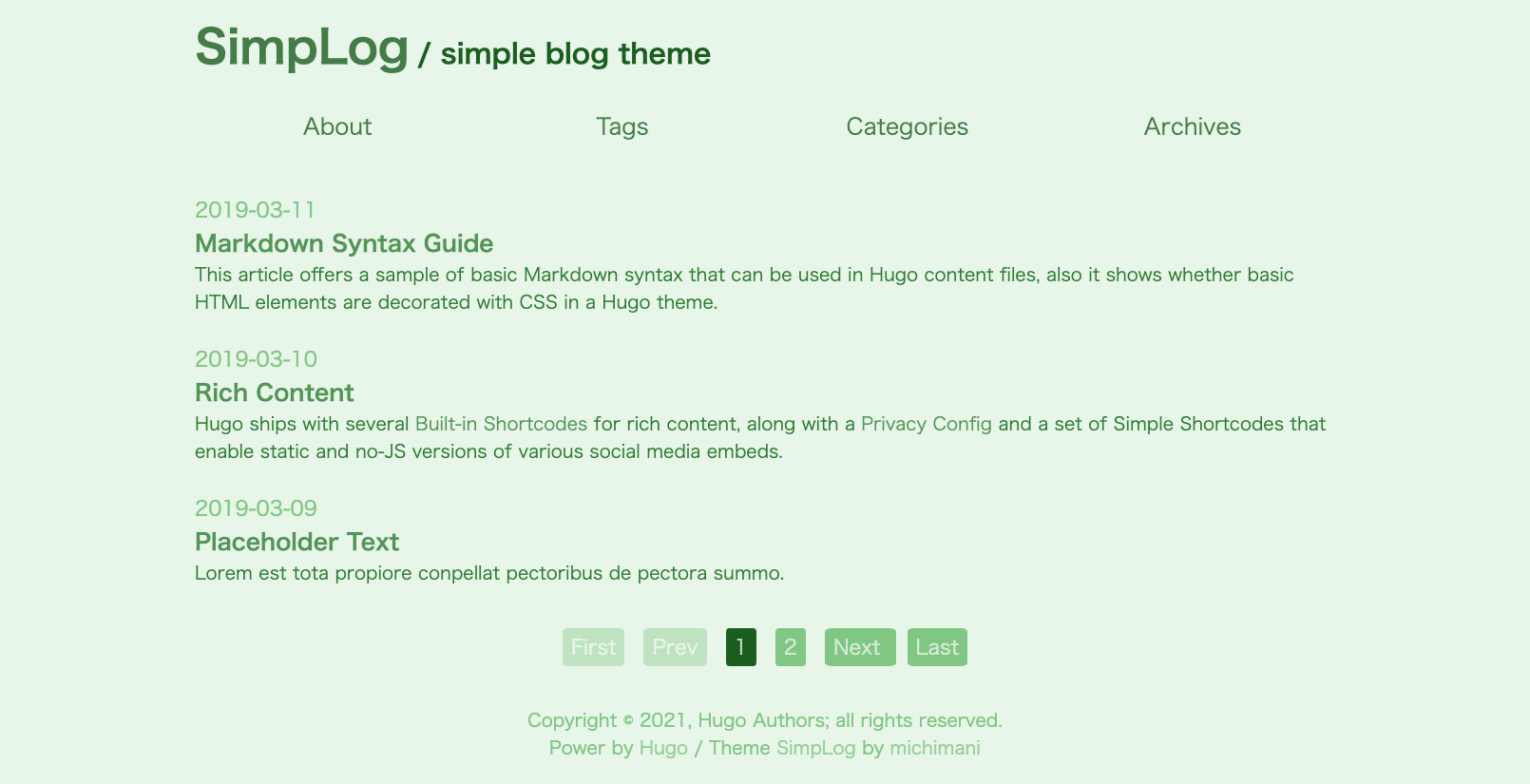
adobeFontsKitId = "<your adobe fonts kit ID>"You can change theme color easily. Set the value one of default, dark, red, green and blue at config.toml.
[params]
colorTheme = "default"-
Dark

-
Red/Green/Blue


You can easily set up an image tag for lazy loading by using the shortcode below.
{{< lazy src="image-file-name.jpg" alt="attribute for this image" >}}In the above case, the image files under the images directory will be displayed. (e.g. /images/image-file-name.jpg)
If you want to specify another path or a path with a different domain, write the full path to the image file and add abs =" y ".
{{< lazy src="https://michimani.github.io/simplog/images/featured_image.jpg" alt="attribute for this image" abs="y" >}}You can use the mermaid language in Markdown code blocks.
```mermaid
sequenceDiagram
    participant Alice
    participant Bob
    Alice->>John: Hello John, how are you?
    loop Healthcheck
        John->John: Fight against hypochondria
    end
    Note right of John: Rational thoughts <br/>prevail...
    John-->Alice: Great!
    John->Bob: How about you?
    Bob-->John: Jolly good!
``- Hugo Extended v0.150.1 or later
CSS is generated from SCSS at build time by Hugo Extended's built-in SCSS processor. No Node.js tooling is required for CSS compilation.
A devcontainer configuration is included. Open this repository in VS Code with the Dev Containers extension installed, and Hugo Extended will be set up automatically.
Install Hugo Extended and run the development server from the exampleSite directory:
hugo server --themesDir ../.. --theme simplog