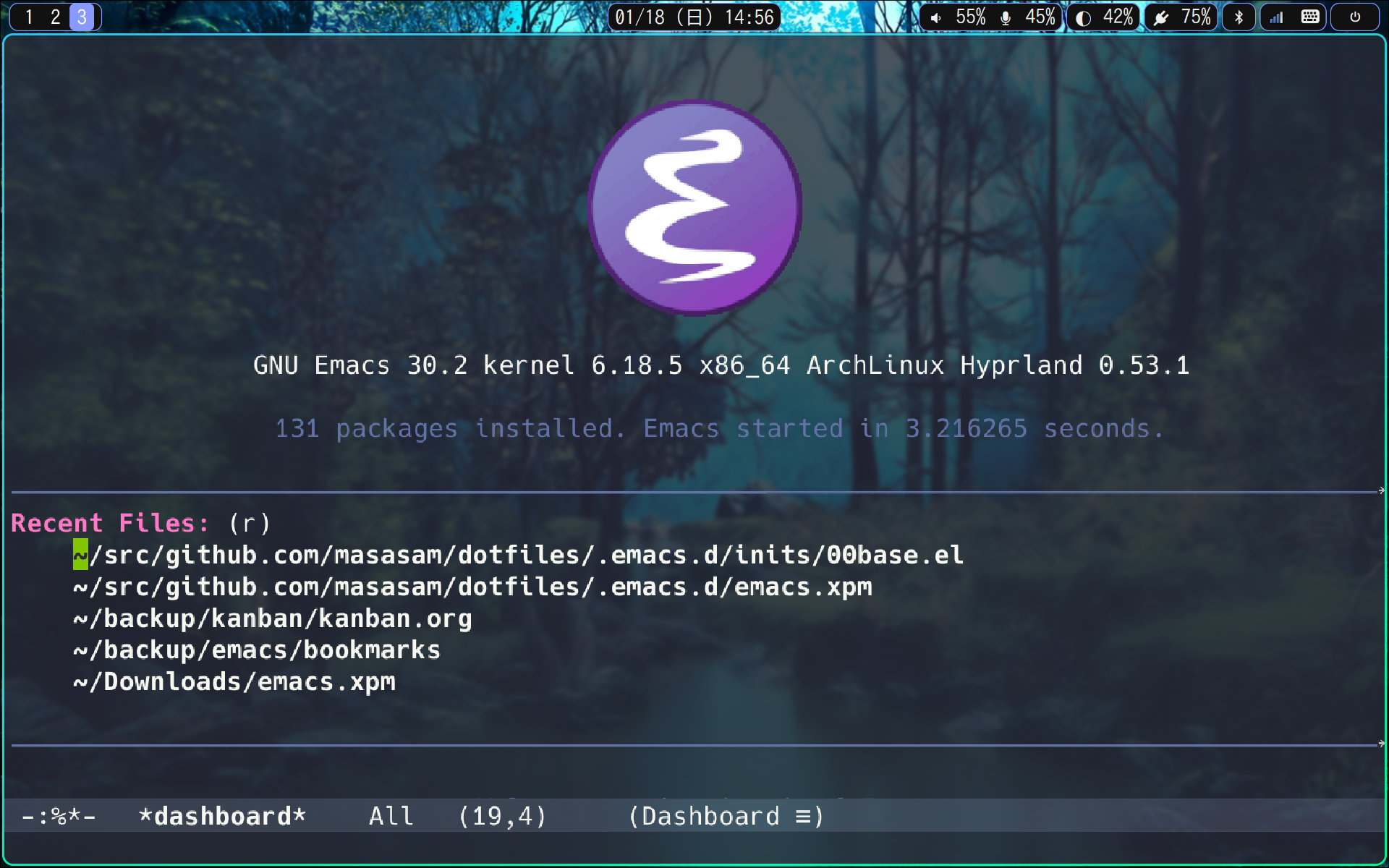
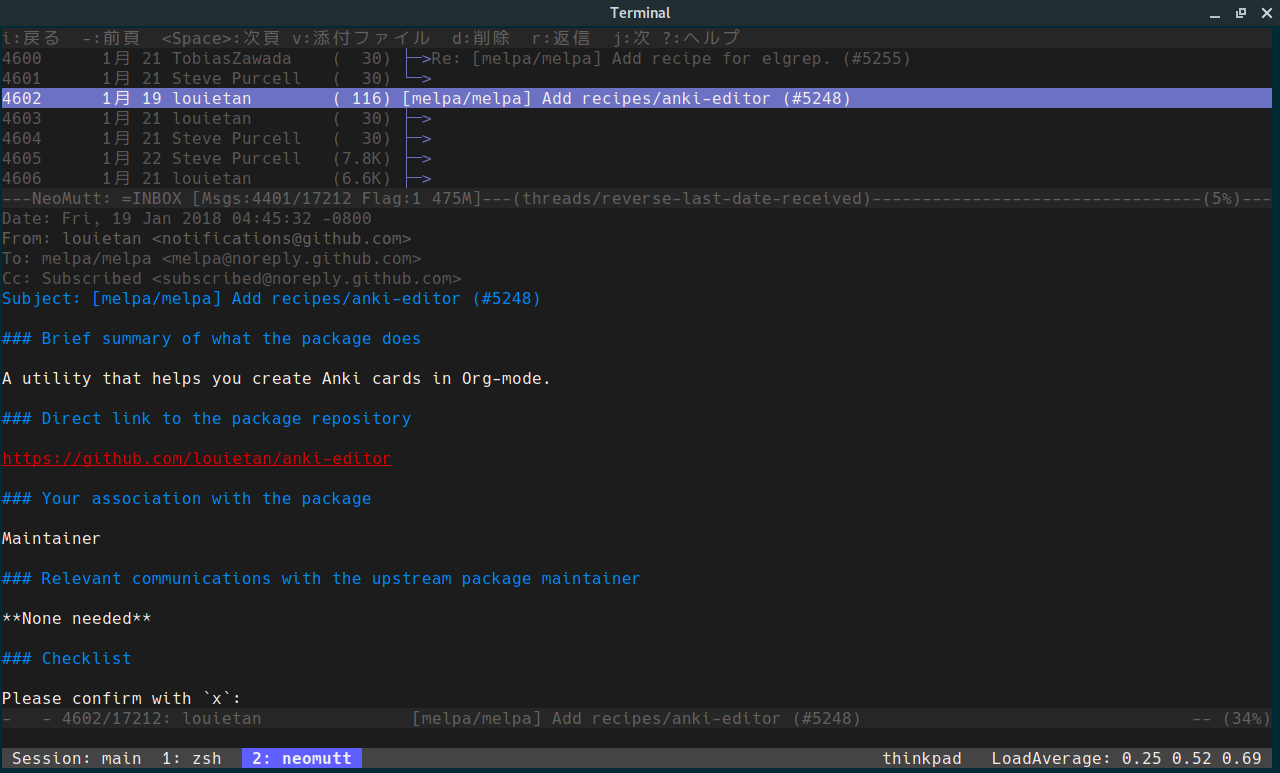
This dotfiles is for Arch linux. Since there is no such as a distribution without make, if you make Makefile, you can correspond to any linux distribution. Let's make a Makefile immediately.
Easy to build development environment with this command.
make install
I never have to worry about setting my laptop again.
After make install you can deploy dotfiles with this command.
make init
You can see argument on this Makefile with this command.
make
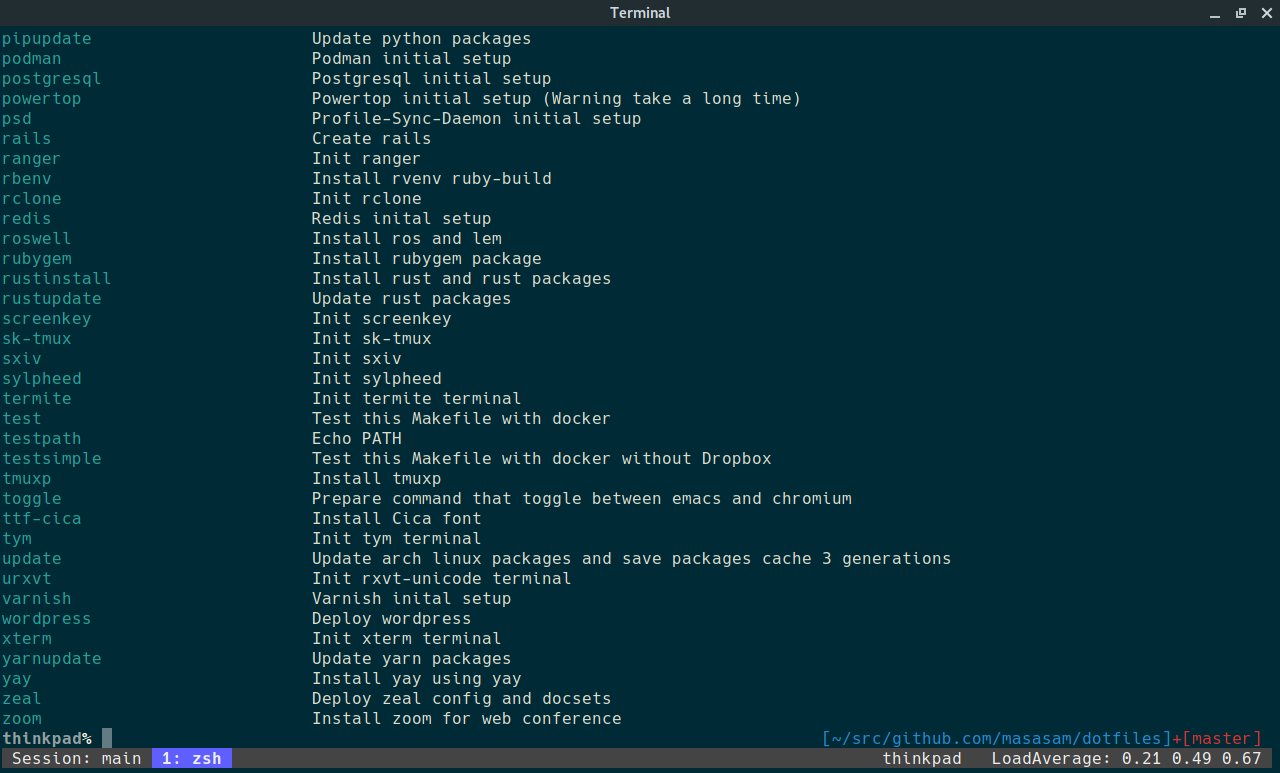
make allinstall
You can install all with this command. You can install anything written after allinstall in the Makefile.
make backup
The ArchLinux package list installed by this command is backed up in the archlinux directory.
make allbackup
You can backup packages all with this command.
make allupdate
You can update packages all with this command.
rclone setting
Synchronize the backup directory to your favorite cloud using the rclone.
rclone sync ${HOME}/backup drive:backup
rclone sync ${HOME}/backup dropbox:backup
Synchronize the ~/backup directory to your favorite cloud in this command. This command is a one-way synchronization to the cloud from your laptop or desktop. The following command is a one-way synchronization to your laptop or desktop from the cloud.
rclone sync drive:backup ${HOME}/backup
rclone sync dropbox:backup ${HOME}/backup
Since configuration file of rclone is encrypted with git-crypt, you install and set up git-crypt at first step. Backup directory sample is here.
git-crypt init
Set the name of the file you want to encrypt to .gitattributes
rclone.conf filter=git-crypt diff=git-crypt
Commit the .gitattributes to git.
git add .gitattributes
git commit -m 'Add encrypted file config'
Specify the key used to encrypt.
git-crypt add-gpg-user YOUR_GNUPG_ID
It is encrypted except in your laptop or desktop after you commit rclone.conf.
git-crypt unlock
After cloning a repository with encrypted files, unlock with gnupg at this command.
-
What can not be placed on github
scripts that password was written, etc.
-
Because it makes a lot of update file, it is troublesome to synchronize with github
.zsh_history .mozc
-
Those that can not be opened but need to protect data
Secret configuration file and mail data etc.
Why Arch linux?
-
Unless your laptop breaks, arch linux is a rolling release so you don't have to reinstall it. Even if it gets broken, I made a Makefile so I can return in 1 hour and it's unbeatable.
-
Arch linux is good because it is difficult for my development environment to be old packages.
-
I like customization but if customization is done too much, it is not good because it can not receive the benefit of the community. Since Arch linux is unsuitable for excessive customization, it is fit to me. In principle the package of Arch linux is a policy to build from the source of vanilla (Vanilla means that it does not apply its own patch for arch linux). It is good because Arch linux unique problems are unlikely.
-
Arch linux is lightweight because there is no extra thing.
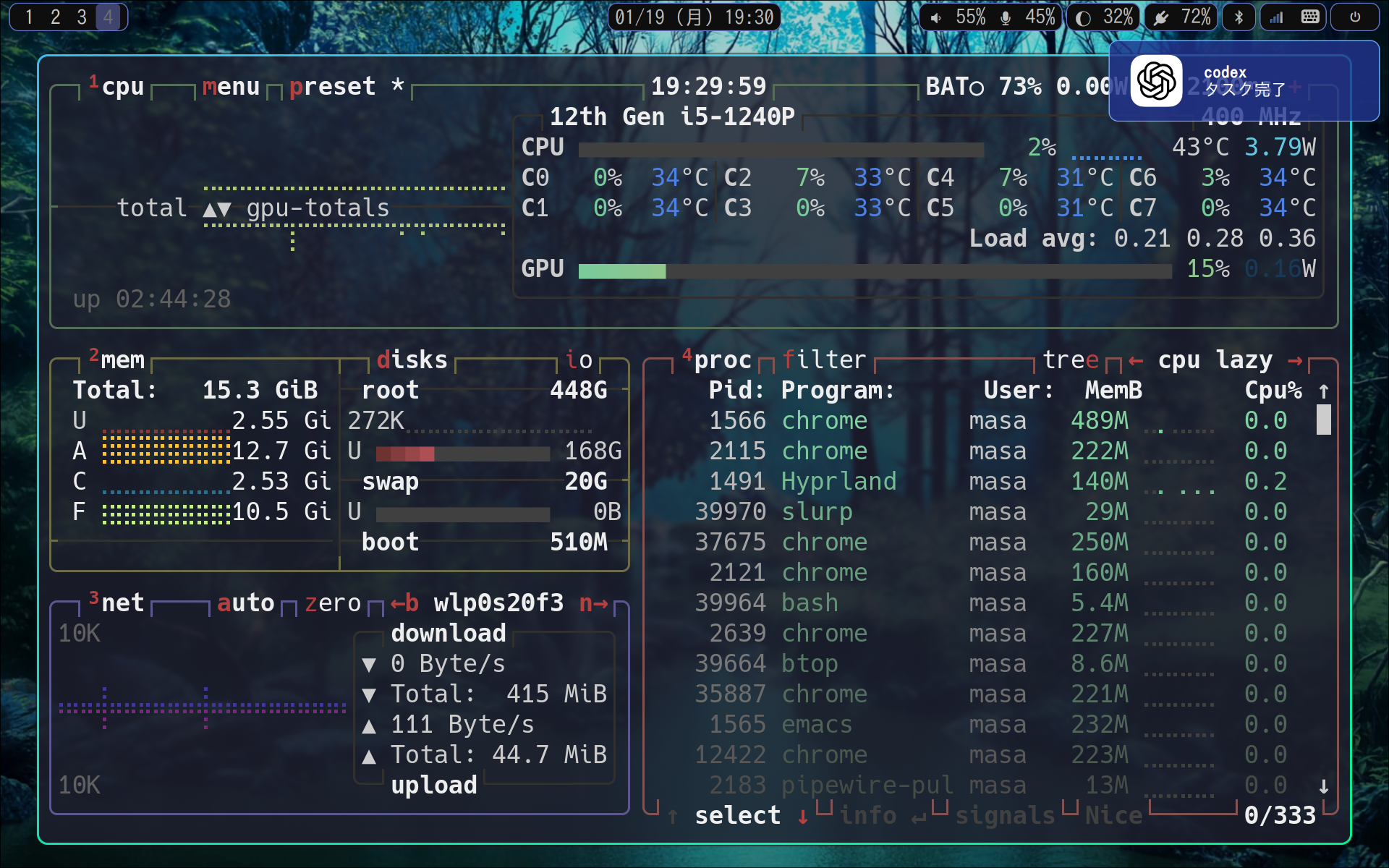
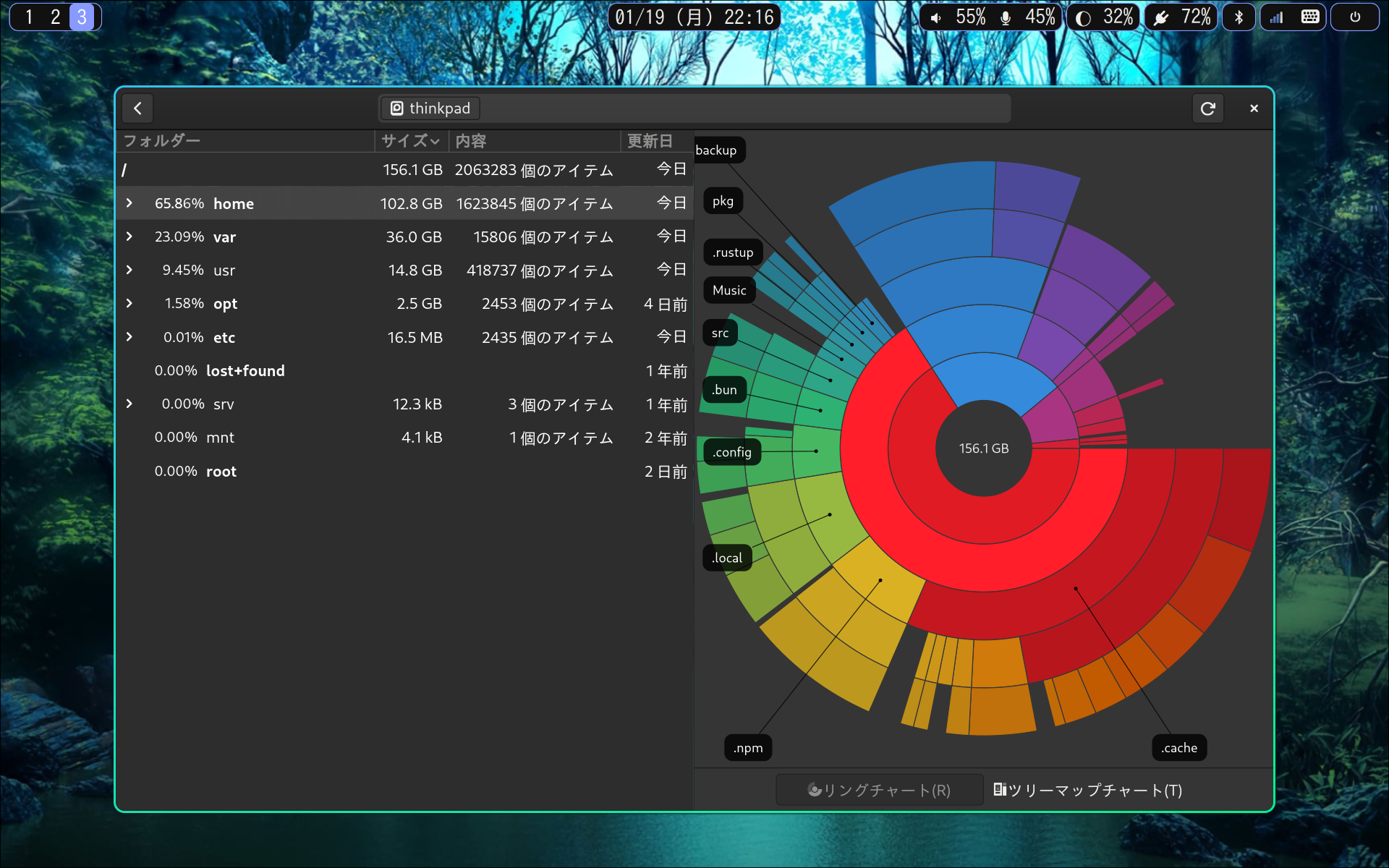
NVMe SSD has only 512G, but it is sufficient for the environment that uses arch linux and emacs.
Download Arch linux.
https://www.archlinux.org/releng/releases/
Create USB installation media. Run the following command, replacing /dev/sdx with your drive, e.g. /dev/sdb. (Do not append a partition number, so do not use something like /dev/sdb1)
sudo dd bs=4M if=/path/to/archlinux.iso of=/dev/sdx status=progress oflag=sync
Change it to boot from usb in BIOS UEFI.
[thinkpad x1 carbon gen6]
Security > Secure Boot: Disable
Config -> Sleep State: linux
Config -> Thunderbolt BIOS Assist Mode: Enabled
Security > I/O Port Access > Wireless WAN: Disable(for power save)
Security > I/O Port Access > Memory Card Slot: Disable(for power save)
Security > I/O Port Access > Fingerprint Reader: Disable(for power save)
Config -> Network -> Wake On LAN: Disabled(for power save)
Config -> Network -> Wake On LAN from Dock: Disabled(for power save)

[thinkpad x1 carbon gen10]
Security > Secure Boot: off
Config -> Sleep State: linux
Install archlinux
setfont solar24x32.psfu.gz
gdisk /dev/nvme0n1
Clear the partition
Command (? for help): o
Make ESP(EFI System Partition). Because I want to do UEFI boot, I make a FAT32 formatted partition.
Command (? for help): n
Permission number: 1
First sector     : enter
Last sector      : +512M
Hex code or GUID : EF00
Make swap(Since the memory is 16G, allocate more than that to swap).
Command (? for help): n
Partition number (2-128, default 2): enter
First sector (34-1953525134, default = 206848) or {+-}size{KMGTP}: enter
Last sector (206848-1953525134, default = 1953525134) or {+-}size{KMGTP}: +20G
Hex code or GUID (L to show codes, Enter = 8300): 8200
Set all the rest to / partition
Command (? for help): n
Permission number: enter
First sector     : enter
Last sector      : enter
Hex code or GUID : 8300
Format and mount with fat32 and ext4
mkfs.fat -F32 /dev/nvme0n1p1
mkfs.ext4 /dev/nvme0n1p3
mkswap /dev/nvme0n1p2
swapon /dev/nvme0n1p2
mount /dev/nvme0n1p3 /mnt
mkdir /mnt/boot
mount /dev/nvme0n1p1 /mnt/boot
mount | grep /mnt
Connect internet with wifi
ip link
rfkill list
rfkill unblock 0
iwctl
[iwd]# station wlan0 scan
[iwd]# station wlan0 get-networks
[iwd]# station wlan0 connect {SSID}
Install bese bese-devel of arch
pacstrap -K /mnt base linux linux-firmware vi
Make sure the nearest mirror is selected. Comment out the nearest mirror.
vi /etc/pacman.d/mirrorlist
Server = http://ftp.tsukuba.wide.ad.jp/Linux/archlinux/$repo/os/$arch
pacman -Syuu
Generate fstab
genfstab -U /mnt >> /mnt/etc/fstab
Mount and log in as bash login shell
arch-chroot /mnt
Set the host name
echo thinkpad > /etc/hostname
vi /etc/locale.gen
en_US.UTF-8 UTF-8
ja_JP.UTF-8 UTF-8
Next execute
locale-gen
Shell is in English environment
export LANG=C
This will be UTF-8
echo LANG=ja_JP.UTF-8 > /etc/locale.conf
Time zone example
ln -sf /usr/share/zoneinfo/Europe/Berlin /etc/localtime
ln -sf /usr/share/zoneinfo/Asia/Tokyo /etc/localtime
ln -sf /usr/share/zoneinfo/US/Pacific /etc/localtime
Time adjustment
hwclock --systohc
Generate kernel image
mkinitcpio -P
Generate user
useradd -m -G wheel -s /bin/bash ${USER}
Set password
passwd ${USER}
Set groups and permissions
pacman -S sudo
visudo
Uncomment comment out following
Defaults env_keep += “ HOME ”
%wheel ALL=(ALL) ALL
Install intel-ucode(install before boot loader)
pacman -S intel-ucode
Set boot loader
pacman -S grub efibootmgr
grub-install --target=x86_64-efi --efi-directory=/boot --bootloader-id=GRUB
grub-mkconfig -o /boot/grub/grub.cfg
Install drivers that match your environment
lspci | grep VGA
pacman -S intel-media-driver libva-utils
Install Hyprland
pacman -S hyprland rofi-wayland
pacman -S nautilus
Enable graphical login with gdm
pacman -S gdm
systemctl enable gdm.service
Preparing the net environment
pacman -S networkmanager
systemctl enable NetworkManager.service
pacman -S otf-ipafont
Terminal
pacman -S alacritty foot ghostty kitty rio
Audio setting
pacman -S pipewire-pulse
exit
reboot
For thinkpad x1 carbon gen10
pacman -S sof-firmware fprintd
Turn off autosuspend at config
sudo pacman -S xdg-user-dirs
LANG=C xdg-user-dirs-update --force
sudo pacman -S zsh git base-devel
sudo pacman -S noto-fonts noto-fonts-cjk
Install mise and yay
sudo pacman -S mise
mise use -g yay
sudo pacman -S gvfs gvfs-smb git-crypt gnupg openssh
Import the gpg key that has been backed up.
gpg --import /path/to/private.key
gpg --import /path/to/public.key
gpg --edit-key [email protected]
gpg> trust
Import the ssh key that has been backed up.
chmod 600 /path/to/private.key
Run the following after set the ssh key
mkdir -p ~/src/github.com/masasam
cd src/github.com/masasam
git clone [email protected]:masasam/dotfiles.git
cd dotfiles
git-crypt unlock
make rclone
make gnupg
make ssh
rclone sync drive:backup ${HOME}/backup
rclone sync dropbox:backup ${HOME}/backup
make install
make init
make chrome

# Below is for posting images of github
cd ~/Pictures
git clone -b image [email protected]:masasam/image.git
You can make install from here
sudo pacman -S filesystem gcc-libs glibc bash coreutils file findutils gawk grep
sudo pacman -S util-linux bzip2 gzip xz licenses pacman systemd systemd-sysvcompat
sudo pacman -S iputils iproute2 autoconf automake binutils bison fakeroot flex gcc
sudo pacman -S make patch pkgconf texinfo which archlinux-keyring debugedit libtool
sudo pacman -S m4 groff sudo pciutils psmisc shadow procps-ng sed tar gettext
sudo pacman -S base base-devel go zsh git vim tmux keychain unrar xsel emacs atool
sudo pacman -S unace iperf valgrind noto-fonts-emoji inkscape file-roller xclip fd
sudo pacman -S ipcalc traceroute debootstrap oath-toolkit gvfs-smb zsh-completions
sudo pacman -S imagemagick lynx the_silver_searcher cifs-utils elinks satty mold
sudo pacman -S cups-pdf firefox firefox-i18n-ja gimp strace lhasa hub tig ethtool
sudo pacman -S rsync nodejs debian-archive-keyring aria2 nmap ffmpeg asciidoc sbcl
sudo pacman -S aspell aspell-en screen mosh diskus gdb wmctrl pwgen linux-docs htop
sudo pacman -S tcpdump gvfs lzop poppler-data cpio sysprof pkgfile p7zip ruby-rdoc
sudo pacman -S gpaste optipng arch-install-scripts pandoc jq pkgstats ruby highlight
sudo pacman -S texlive-langjapanese tokei texlive-latexextra ctags hdparm eog curl
sudo pacman -S typescript llvm llvm-libs lldb tree w3m whois csvkit shellcheck fzf
sudo pacman -S zsh-syntax-highlighting npm yq ansible parallel alsa-utils geckodriver
sudo pacman -S bash-completion mathjax expect obs-studio cscope pdfgrep cmatrix btop
sudo pacman -S jpegoptim nethogs plocate pacman-contrib x11-ssh-askpass streamlink
sudo pacman -S jhead ncdu sshfs fping syncthing terraform bat ttf-font-awesome kooha
sudo pacman -S ripgrep stunnel vimiv adapta-gtk-theme firejail imv noto-fonts-extra
sudo pacman -S smartmontools wireshark-cli wl-clipboard lsof watchexec lazygit yazi
sudo pacman -S gtop gopls convmv mpv man-db baobab ioping ruby-irb mkcert findomain
sudo pacman -S guetzli fabric detox usleep libvterm bind lame git-lfs hex miller
sudo pacman -S diffoscope dust rbw eza sslscan abiword pyright miniserve fdupes xsv
sudo pacman -S gron typescript-language-server dateutils time rust rust-analyzer
sudo pacman -S dconf-editor ghq gopls difftastic csvlens cloc eslint prettier trivy
sudo pacman -S gnome-sound-recorder yaml-language-server biome papers typst discord
sudo pacman -S mission-center pass gitui sqlitebrowser git-delta ruff speedtest-cli
sudo pacman -S jc fx httpie bash-language-server editorconfig-core-c hexedit hugo
sudo pacman -S pv perl-net-ip lshw xdotool sshuttle packer libreoffice-fresh-ja tldr
sudo pacman -S opencv bat
yay -S antigravity-bin
yay -S asunder
yay -S beekeeper-studio-bin
yay -S downgrade
yay -S firebase-tools-bin
yay -S git-secrets
yay -S pscale-cli
yay -S rgxg
yay -S slack-desktop
yay -S turso-bin
yay -S yay
yay -S zoom
mise use -g atlas
mise use -g bun
mise use -g claude-code
mise use -g codex
mise use -g deno
mise use -g duckdb
mise use -g gemini-cli
mise use -g marp-cli
mise use -g node
mise use -g npm:@github/copilot-language-server
mise use -g npm:@github/copilot
mise use -g npm:ts-node
mise use -g npm:typescript
mise use -g oxlint
mise use -g pnpm
mise use -g trdsql
mise use -g usage
mise use -g uv
mise use -g yay
mise use -g youtube-dl
mise use -g yt-dlp
sudo pacman -S python-pip python-pipenv python-seaborn python-ipywidgets python-jupyter-client
sudo pacman -S python-prompt_toolkit python-faker python-matplotlib python-nose python-pandas
sudo pacman -S python-numpy python-beautifulsoup4
docker
sudo pacman -S docker docker-compose
sudo usermod -aG docker ${USER}
sudo systemctl enable docker.service
sudo systemctl start docker.service
Google Kubernetes Engine
curl https://sdk.cloud.google.com | bash
test -L ${HOME}/.config/gcloud || rm -rf ${HOME}/.config/gcloud
ln -vsfn ${HOME}/backup/gcloud   ${HOME}/.config/gcloud
sudo pacman -S kubectl kubectx kustomize helm stern
kind(Kubernetes IN Docker)
mise use -g kind
sudo sh -c "kind completion zsh > /usr/share/zsh/site-functions/_kind"
minikube with kvm2
sudo pacman -S minikube libvirt qemu-headless ebtables docker-machine kubectx
yay -S docker-machine-driver-kvm2
sudo usermod -a -G libvirt ${USER}
sudo systemctl start libvirtd.service
sudo systemctl enable libvirtd.service
sudo systemctl start virtlogd.service
sudo systemctl enable virtlogd.service
minikube config set vm-driver kvm2
sudo pacman -S rust rust-analyzer
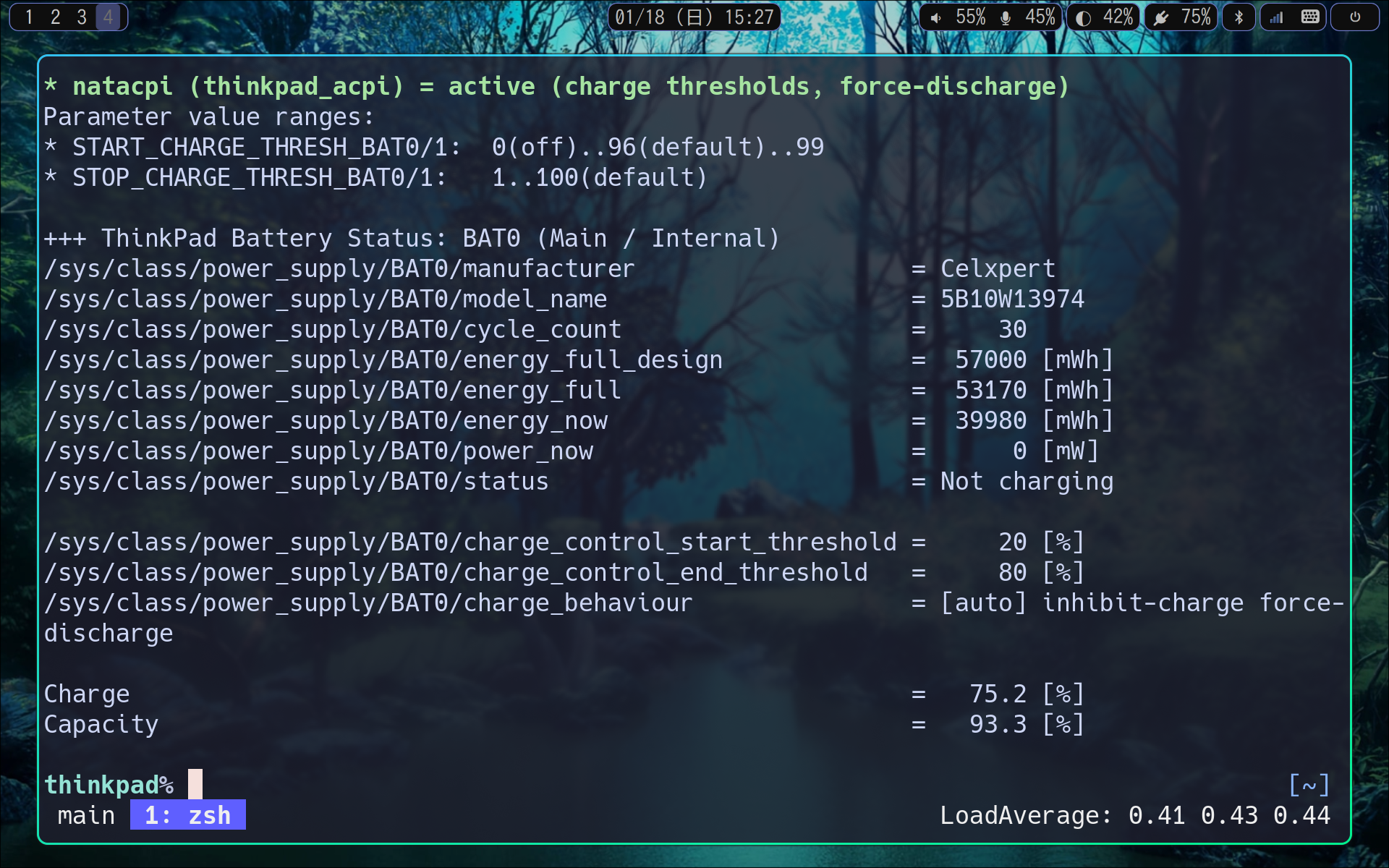
Setting for power save and to prevent battery deterioration.
sudo pacman -S tlp powertop
sudo ln -vsf ${PWD}/etc/tlp.conf /etc/tlp.conf
systemctl enable tlp.service
sudo pacman -S fwupd dmidecode
sudo dmidecode -s bios-version
fwupdmgr refresh
fwupdmgr get-updates
fwupdmgr update
Install dnsmasq
sudo pacman -S dnsmasq
/etc/NetworkManager/NetworkManager.conf
[main]
dns=dnsmasq
When restarting NetworkManager, dnsmasq is set to be automatically usable.
sudo systemctl restart NetworkManager
Test this Makefile using docker
make test
Test this Makefile using docker with backup directory
make testbackup
1.Build this Dockerfile
docker build -t dotfiles /home/${USER}/src/github.com/masasam/dotfiles
2.Run 'docker run' mounting the backup directory
docker run -t -i -v /home/${USER}/backup:/home/${USER}/backup:cached --name arch dotfiles /bin/bash
3.Execute the following command in the docker container
cd /home/${USER}/src/github.com/masasam/dotfiles
make install
make init