


Welcome aboard fellow developer, this is where you will find projects which you are free to contribute to. You can contribute by submitting your own scripts, which you think would be amazing for other people to see.
The objective of the project is to create a program with a friendly user interface that assists University Doctors with taking student attendance. First the student must enter his username and password to login then join the meeting, the program will scan the student's face, it will find the face in the video and encode it into data that will be compared with the encoding of all students' images present in the program database, upon detecting the facial identification, it will save the student's name together with the time he joined and left the meeting in a csv file that will be sent to the instructor via Email after he finishes the meeting.
Note In this project SQLite database is used to save login and instructor information and PyQt5 library for graphical user interface.


Python Packages Used:
- numpy
- cmake
- opencv-python
- dlib
- face_recognition
- secure-smtplib
- time
- PyQT5
Download the project from github to your desktop:
-
With Git : If you’re familiar with git and have it installed on your computer, you can clone the repository to download the files.
1. Click the green button labeled
Code
2. Copy the URL of the repository
3. Next, on your local machine, open your bash shell and change your current working directory to the location where you would like to clone your repository
cd "path-to-your-folder"
4. Once you have navigated to the directory where you want to put your repository, you can use
git clone https://github.com/lynnaouad/Face-Attendance-System.git
5. When you run
git clone https://github.com/lynnaouad/Face-Attendance-System.git, You should see output likeCloning into 'test-repo'... remote: Counting objects: 5, done. remote: Compressing objects: 100% (4/4), done. remote: Total 5 (delta 0), reused 0 (delta 0), pack-reused 0 Unpacking objects: 100% (5/5), done. Checking connectivity... done.
-
Without Git : When downloading materials to your laptop, it is easiest to download the entire repository.
1. Click on the green
Codebutton, then download the repository as a ZIP file
2. Find the downloaded .zip file on your computer, likely in your Downloads folder
3. Unzip it, this will create a folder named after the GitHub repository
-
Steps you must do to make the app work properly :
1. Install all the packages listed in the "Python Packages Used" section in this README.2. Copy the images of the students and the instructor faces to the "Students_Images" folder. Each image has to have the name of the student.
3. Insert the information of the instructors and logins in SQlite database "SystemDB.db".
4. Execute the program (AttendanceSystem.py).
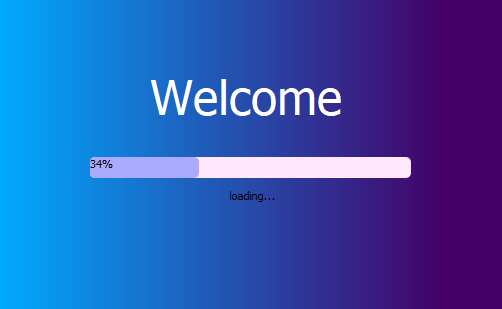
Splash Screen:
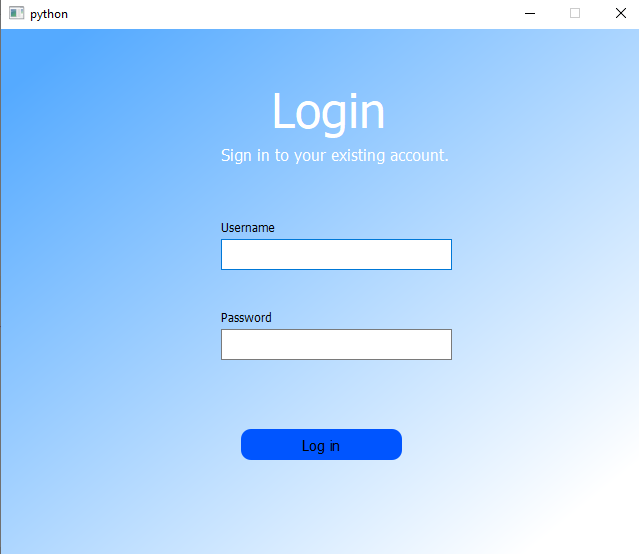
Login page:
Note When student enters his username and password the program will fetch all logins from database then check if he is registered or not.
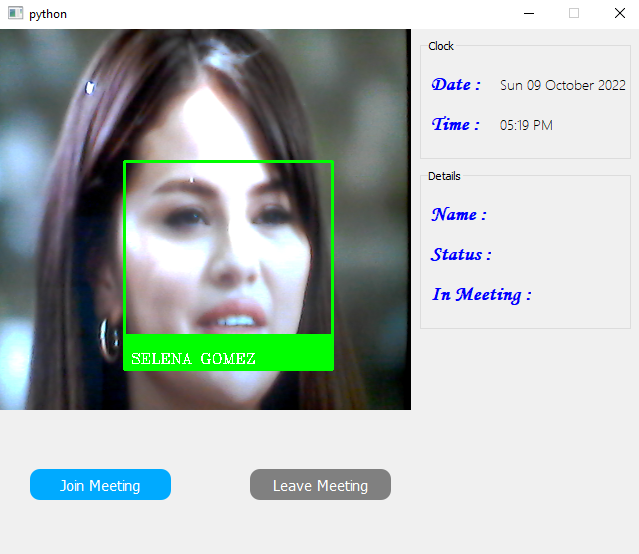
Main Page:
Note Before joining the meeting only date and time information are displayed.
- Joining Meeting:
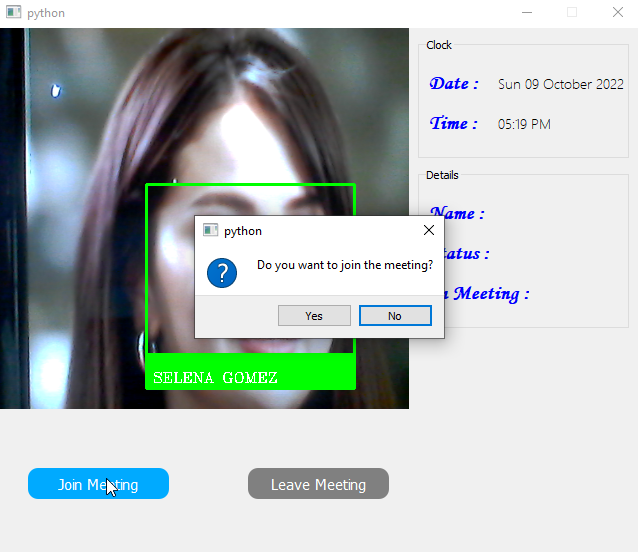
Note After joining, the name and status of the student are displayed.
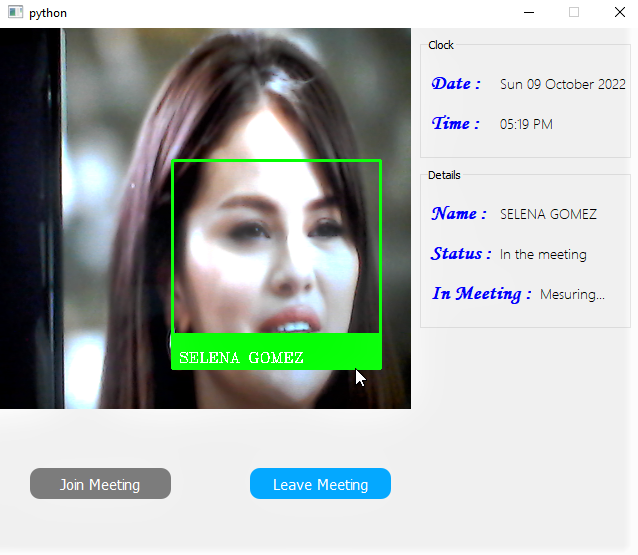
- Leaving Meeting:
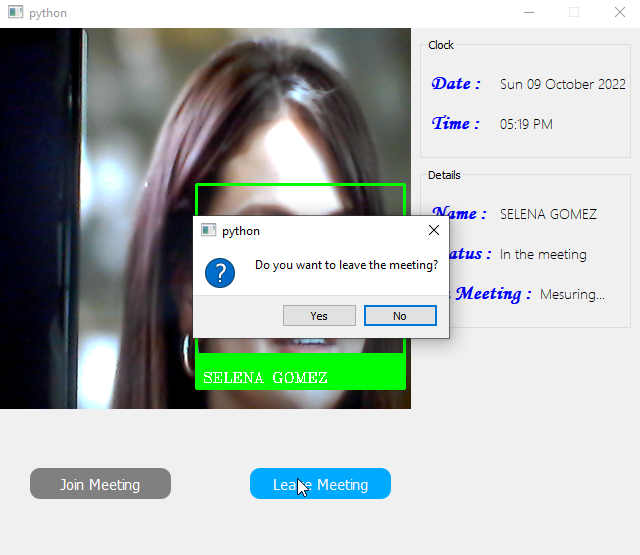
Note After leaving, the time that the student stayed in the meeting is calculated and displayed.
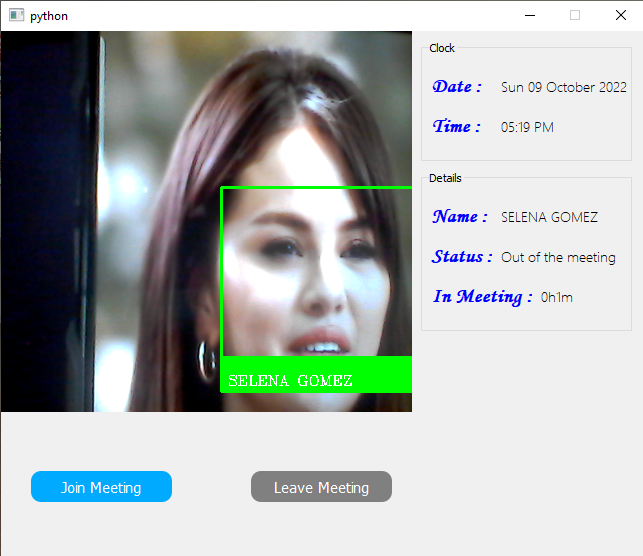
Note Attendance list:
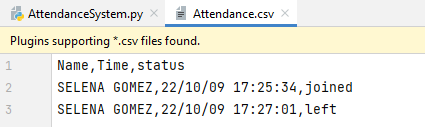
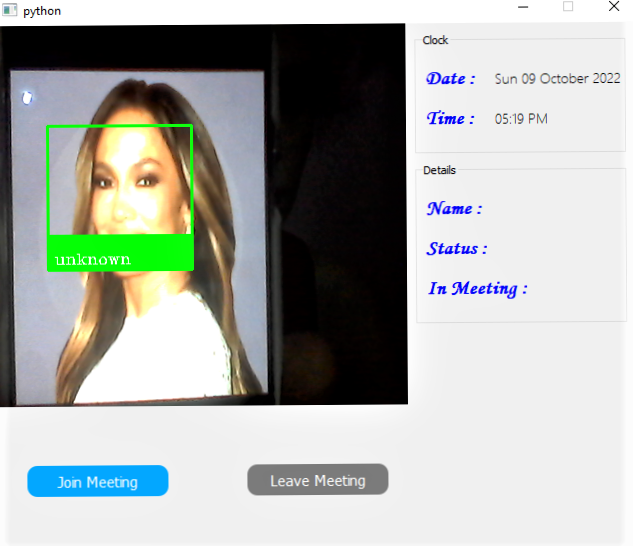
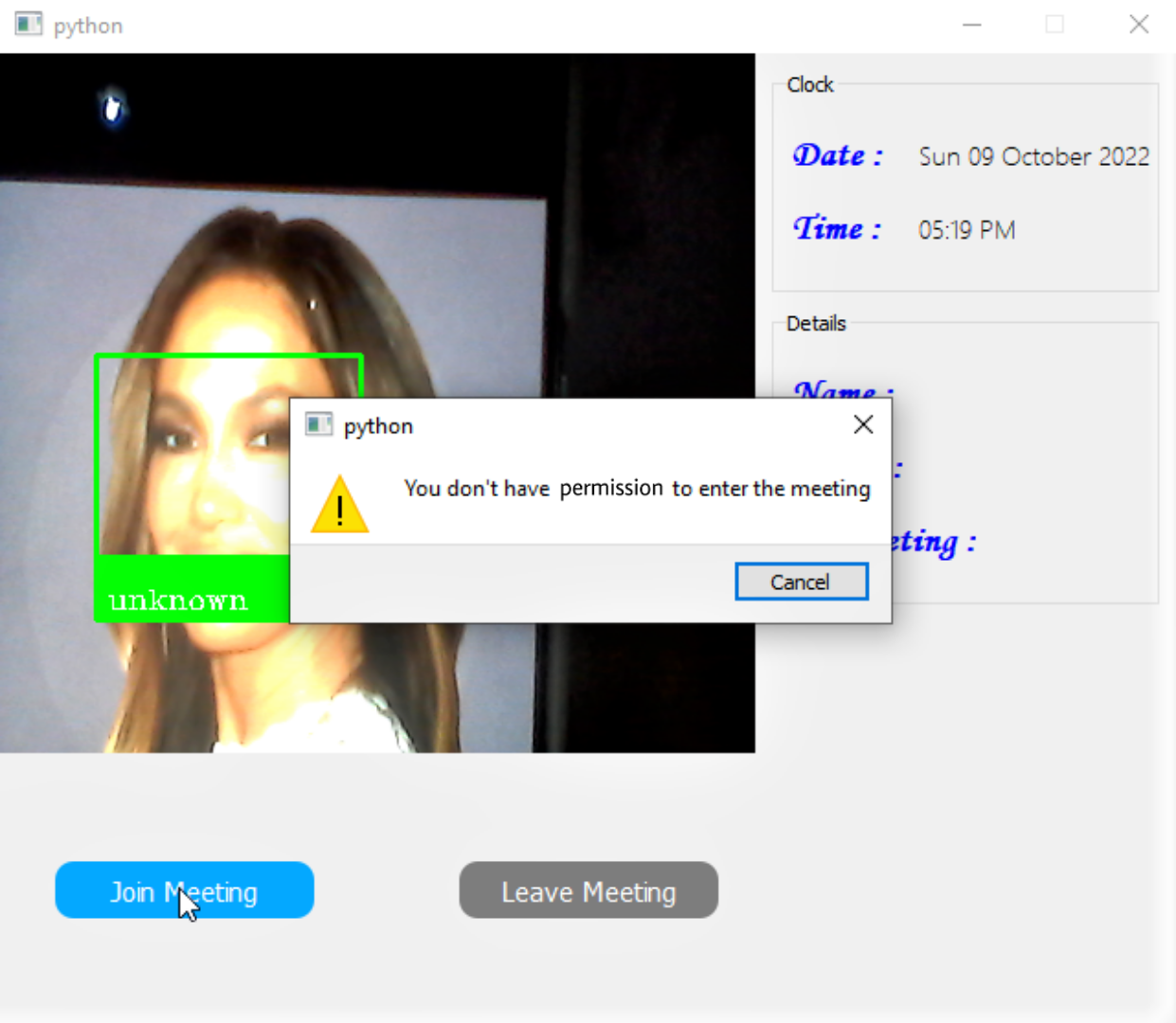
Note During face detection if the current face didn't match with any of the others faces present in the program database then the student can't join the meeting.
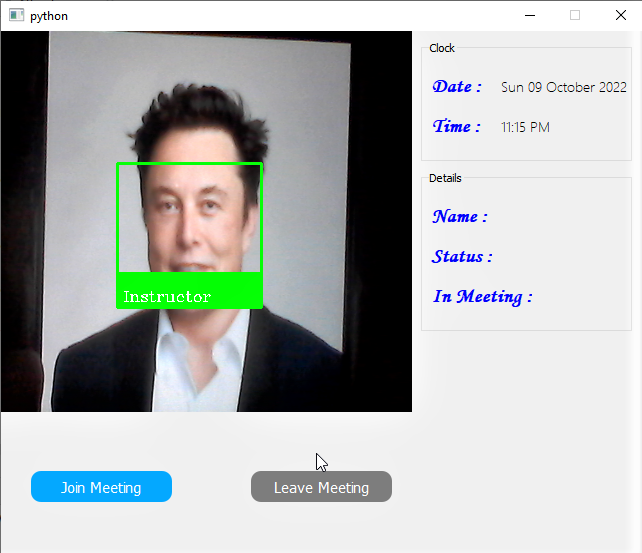
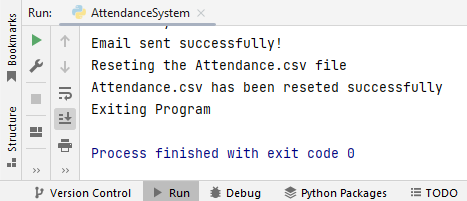
Note After the instructor finishes the meeting the program will send him automatically an email containing the attendance file and exit.
The contribution guidelines are as per the guide HERE.
- Fork this repository
- Clone your forked repository
- Add your scripts
- Commit and push
- Create a pull request
- Star this repository
- Wait for pull request to merge
- Celebrate your first step into the open source world and contribute more
Distributed under the MIT License. See LICENSE for more information.
Copyright © 2022, Lynn Aouad
-
Email : lynnaouad34@gmail.com
-
Project Link : https://github.com/lynnaouad/Face-Attendance-System