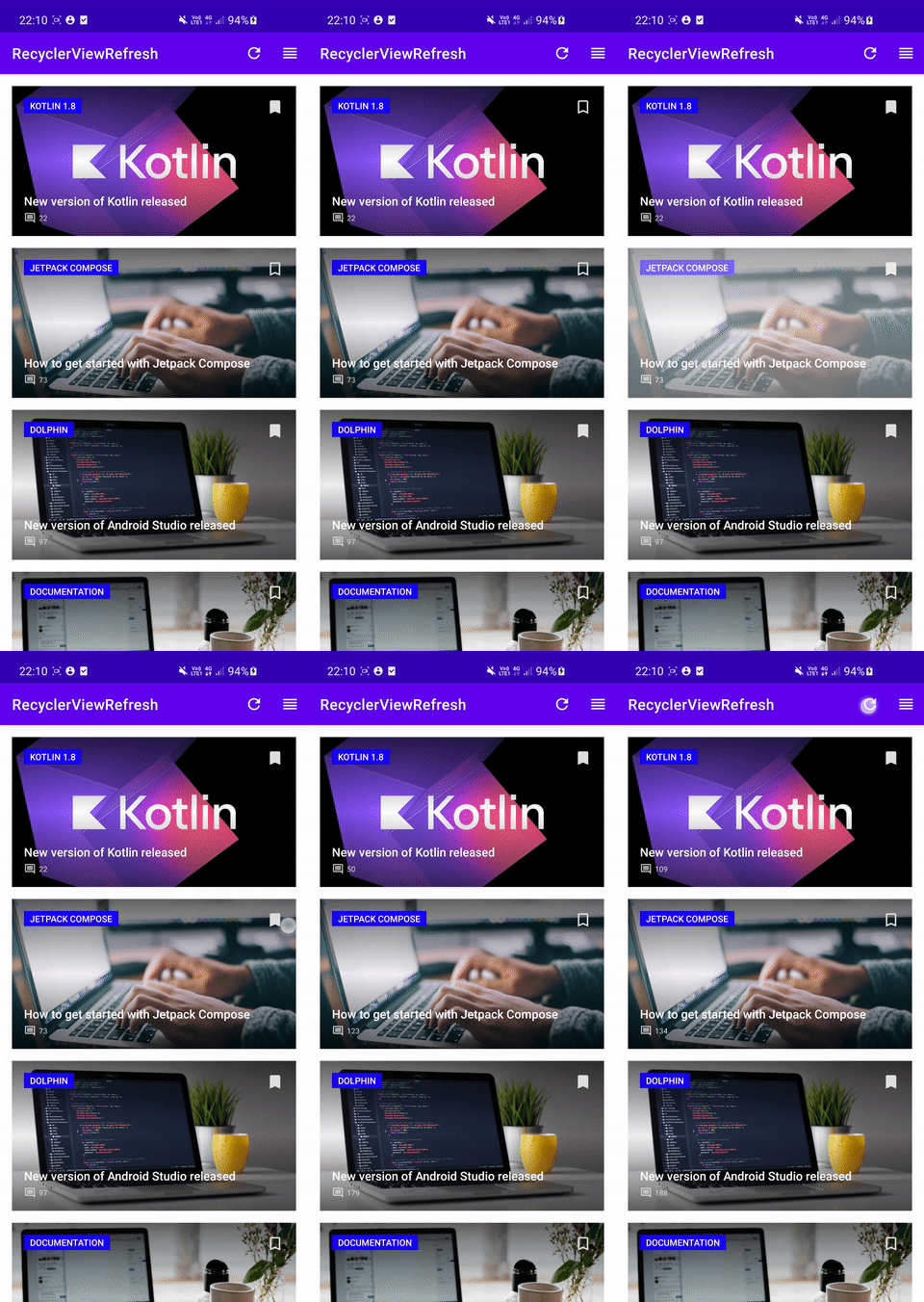
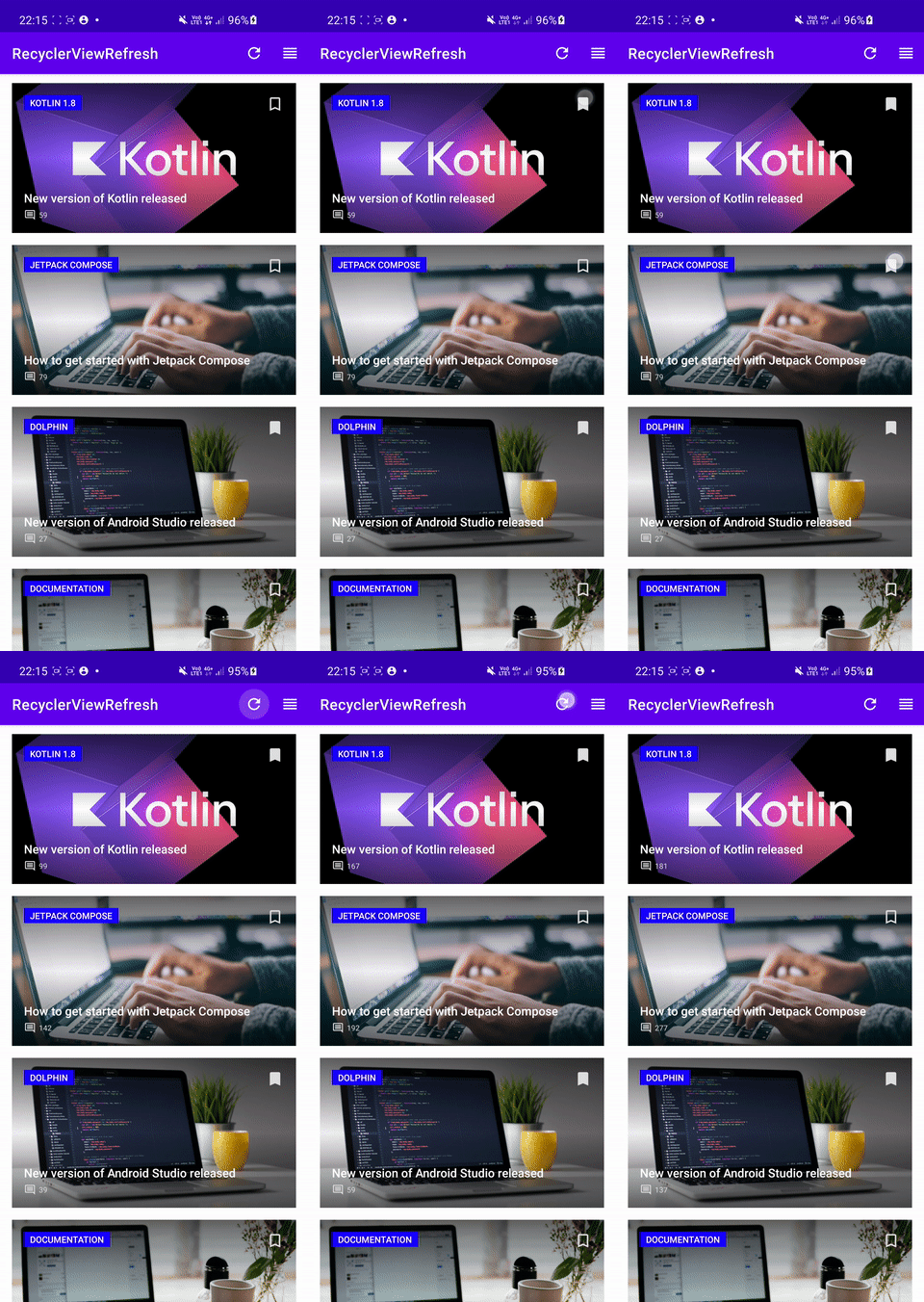
Sample project to show how to use Payloads with RecyclerView to achieve more efficient item updates.
Main screen shows a list of hardcoded articles. Each article displays a title, subtitle, image, comments count and a button for the user to bookmark this article.
Additionally, there is a refresh button in the app toolbar to simulate a full refresh of comments count for each article. And a reorder button to simulate item reorder animations.
There are two RecyclerView adapters, both of which use DiffUtil to dispatch updates:
ArticlesRecyclerViewAdapterWithoutPayloadwhich doesn't use payloads and does a full re-bind when item changes.ArticlesRecyclerViewAdapterWithPayloadwhich uses payloads and only updates the views whose properties have changed.
Selecting which adapter to use can be done in MainActivity.setupRecyclerView() function.
Result without using payloads (ArticlesRecyclerViewAdapterWithoutPayload) on the left and with using payloads (ArticlesRecyclerViewAdapterWithoutPayload) on the right: