



Español 🇪🇸 | 中文 🇨🇳 | Deutsch 🇩🇪 | Français 🇫🇷 | 日本語 🇯🇵 | 한국어 🇰🇷 | Português 🇧🇷 | Русский 🇷🇺 | Tiếng Việt 🇻🇳 | हिन्दी 🇮🇳 | العربية 🇸🇦...
Launch and manage every AI coding CLI from one VS Code panel.
F1 turns VS Code into a hub for AI coding agents. Open Claude Code, Codex, Copilot, Cursor, Kiro, Kilo Code, OpenCode, Grok, Antigravity — or any custom CLI — in embedded terminals, switch between them instantly, write better prompts, and keep your project's context cheap to load for every agent.
| Command | 🍎 macOS | 🟦 Windows | 🐧 Linux | Supported |
|---|---|---|---|---|
[🌐] Focus the CLI |
F1 |
F1 |
F1 |
ㅤㅤ✅ |
[🌐] Focus the Skills |
⌘ + 3 |
Ctrl + 3 |
Ctrl + 3 |
ㅤㅤ✅ |
[🌐] Maximize / Minimize Panel |
⌘ + ` |
Ctrl + ` |
Ctrl + ` |
ㅤㅤ✅ |
[🌐] Side Panel (R/L) - [1] |
Alt + CapsLock |
Alt + CapsLock |
Alt + CapsLock |
ㅤㅤ✅ |
Focus CLI Panel [🌐] - [2] |
Alt + E |
Alt + E |
Alt + E |
ㅤㅤ✅ |
| - | - | - | - | |
| New CLI session | Alt + + |
Alt + + |
Alt + + |
ㅤㅤ✅ |
| Close current session | Alt + - |
Alt + - |
Alt + - |
ㅤㅤ✅ |
| Next session | Tab |
Tab |
Tab |
ㅤㅤ✅ |
| Previous session | Shift + Tab |
Shift + Tab |
Shift + Tab |
ㅤㅤ✅ |
| Open CLI selector | CapsLock |
CapsLock |
CapsLock |
ㅤㅤ✅ |
| Open agent 1–9 (alt or toggle active) | 1–9 |
1–9 |
1–9 |
ㅤㅤ✅ |
| Toggle agents palette | Tab |
Tab |
Tab |
ㅤㅤ✅ |
| Close agents palette | Escape |
Escape |
Escape |
ㅤㅤ✅ |
| - | - | - | - | |
| Open Prompt tool | Ctrl + Space |
Ctrl + Space |
Ctrl + Space |
ㅤㅤ✅ |
| Prompt filter on/off | Shift + F1 |
Shift + F1 |
Shift + F1 |
ㅤㅤ✅ |
| Open Translate tool | Shift + F2 |
Shift + F2 |
Shift + F2 |
ㅤㅤ✅ |
| Open Status/use tool | Shift + F3 |
Shift + F3 |
Shift + F3 |
ㅤㅤ✅ |
| Open Keymaps tool | Shift + F4 |
Shift + F4 |
Shift + F4 |
ㅤㅤ✅ |
| Open Commands tool | Alt + F1 |
Alt + F1 |
Alt + F1 |
ㅤㅤ✅ |
| Play / pause Listen | Space |
Space |
Space |
ㅤㅤ✅ |
| - | - | - | - | |
| Execute prompt | ⌘ + Enter |
Ctrl + Enter |
Ctrl + Enter |
ㅤㅤ✅ |
| Execute without translating | ⌘ + Shift + Enter |
Ctrl + Shift + Enter |
Ctrl + Shift + Enter |
ㅤㅤ✅ |
| Model picker (open/close) - [3] | Alt + 1 |
Alt + 1 |
Alt + 1 |
ㅤㅤ✅ |
| Usage / status - [3] | Alt + 2 |
Alt + 2 |
Alt + 2 |
ㅤㅤ✅ |
| Resume session (open/close) - [3] | Alt + 3 |
Alt + 3 |
Alt + 3 |
ㅤㅤ✅ |
| Prompt PRO mode | Alt + 4 |
Alt + 4 |
Alt + 4 |
ㅤㅤ✅ |
| Prompt PLAN mode | Alt + 5 |
Alt + 5 |
Alt + 5 |
ㅤㅤ✅ |
| - | - | - | - | |
[Skill] - Go to Create tab |
Alt + 1 |
Alt + 1 |
Alt + 1 |
ㅤㅤ✅ |
[Skill] - Go to Install tab |
Alt + 2 |
Alt + 2 |
Alt + 2 |
ㅤㅤ✅ |
[Skill] - Go to Local tab |
Alt + 3 |
Alt + 3 |
Alt + 3 |
ㅤㅤ✅ |
[3]
Alt + 1/2/3run the active CLI's own command (/model,/resume,/usage…, adapted per agent) — they work directly in the terminal and inside the Prompt tool. Press the same chord again to close the picker it opened. Usage/status isn't available on every CLI.
- Press
F1to open the CLI Hub panel. - Pick an agent from the launcher (or Custom CLI to run your own command).
- Open My Skills from the activity bar (
Ctrl+3) to install or create skills.
To use (
Alt + E) & (Ctrl + 3) , you need to have Lynx Keymap Pro installed.
- Run multiple AI coding CLIs side by side in embedded xterm.js terminals.
- Fuzzy-search launcher to pick an agent; press F1 to jump straight to the panel.
- Built-in tools alongside every session:
- Prompt — rich editor with
@-file mentions, image paste, skill chips, live spell‑marking, prompt history (↑), PRO / PLAN modes, and source→English translation before sending; each CLI session keeps its own draft and open/closed state. - Translator — translate any terminal selection inline, with an auto mode that reads the answer aloud while the rest is still translating; minimize it to keep playback controls in the CLI header.
- Use — per‑CLI usage / status view.
- Keymaps — keyboard‑shortcut reference.
- Commands — searchable, per-CLI palette of the active agent's slash-commands.
- Prompt — rich editor with
- Voice — read replies aloud with persistent pause, resume, and stop controls, plus a "ding" when an agent finishes and a distinct confirmation cue when a CLI is waiting on a decision (approval, y/n, choice).
- Needs-input badge — a pulsing dot next to the tab's name (an icon-only badge in the compact layout) flags any background session that's waiting on you.
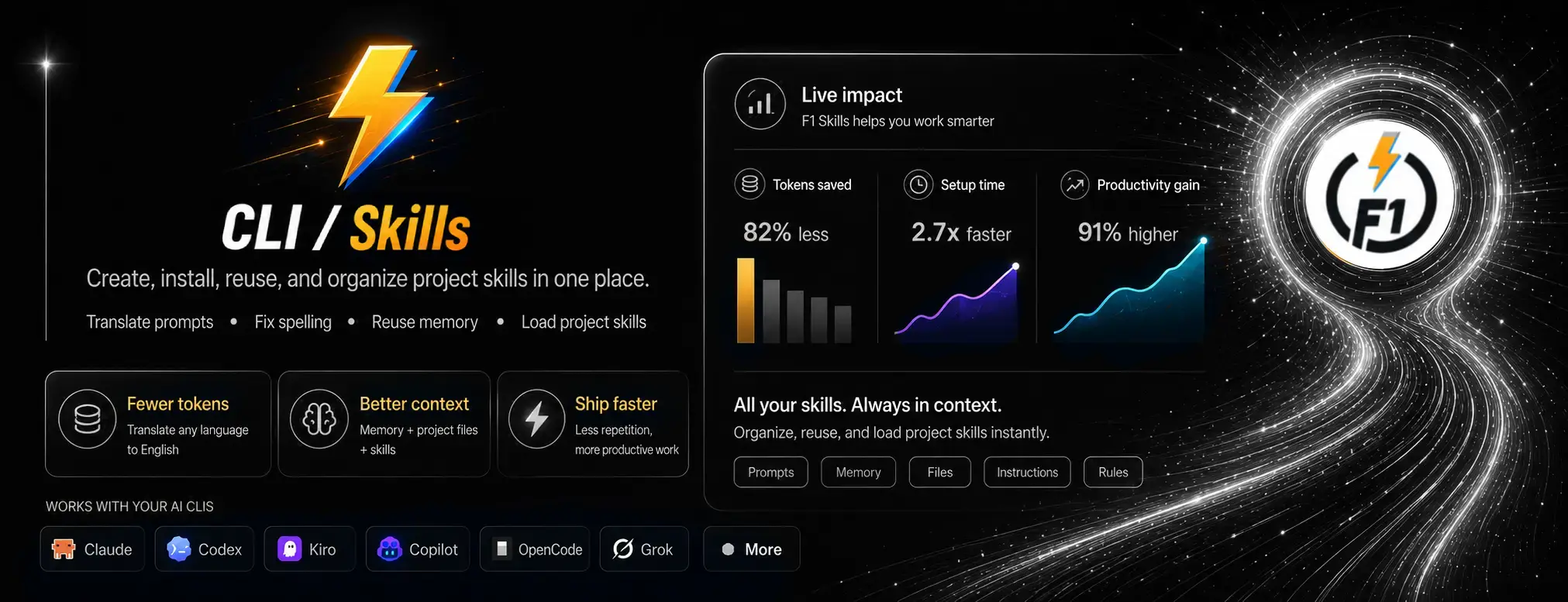
- Install skills from the marketplace — All‑time, Trending (24h), 🔥 Flame, and Official sources — with cancellable download and install progress.
- Create skills with guided generators for
AGENTS.md,CLAUDE.md, andDESIGN.md, plus fast templates by category. - Manage local and saved skills per workspace.
- Flip the Smart + Skills toggle in the launcher, then pick an agent as usual.
- On launch, F1 builds a cheap code-graph of your project plus a set of built-in working rules, then has the agent read them — so it starts already oriented and replies "I am ready for work ✅" in the chat, with no manual context-pasting.
- Powered by My Memory: a fast, pure-TS engine that writes a structural
.f1/project map and keeps each CLI's instruction file (AGENTS.md/CLAUDE.md) pointed at it. Scratch files are cleaned up automatically once the agent is primed.
Launch Quick Open depending on your operating system:
Linux
Ctrl+PmacOS
⌘PWindows
Ctrl+P

Paste the following command and press Enter:
ext install bastndev.f1- Open Extensions (
Ctrl+Shift+X/⌘+Shift+X) - Search "F1" (publisher:
bastndev) - Click Install
 |
|---|
| Gohit X |
| Creator & Maintainer |
- 🐦 X : For questions and discussions.
- 🌱 IG :
new– Project previews & life updates. - 🔴 YouTube : Code, Software and development insights.
Thank you to everyone who supports this project! Your contributions make updates and new extensions possible.


| Extension | Name/> | Description |
|---|---|---|
 |
Lynx Theme Pro | A professional extension with six available themes: Dark, Light, Night, Ghibli, Coffee, and Kiro—with integrated icons. Each theme is optimized to offer a more pleasant visual experience. |
 |
Lynx Keymap Pro | Standardizes keyboard shortcuts across all code editors, giving you instant access to any functionality with a single key combination—boosting your workflow and dev experience. Now includes shortcuts for 75% keyboards |
 |
ATM | An all-in-one toolkit 👻 that supercharges your workflow with essential features like Error Lens, Git Blame, Env Protection, and code screenshots across major editors. |
Enjoy 🎉 — (F1) is now installed!
If you find any bugs or have feedback, feel free to open an issue.