Kook is a Flutter application that serves as a cooking companion. It also includes features related to a mining-based community, including teams, tasks, and a project roadmap. The app is designed to work on Android, iOS, and desktop platforms (Linux, macOS, Windows). The application is localized in English, Arabic, French, German, Kurdish (Farsi), and Vietnamese.
| Login Screen | Home Screen | Profile Screen |
|---|---|---|
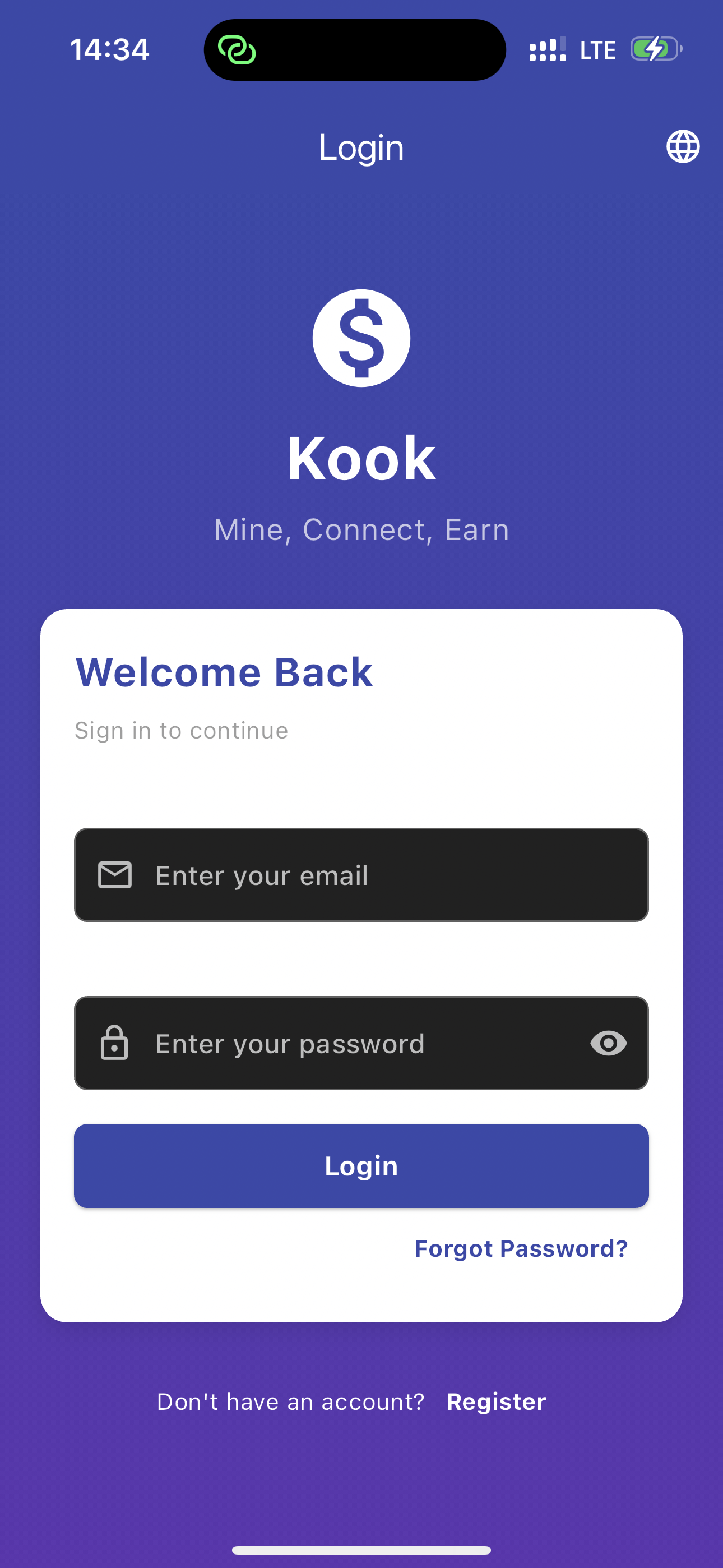 |
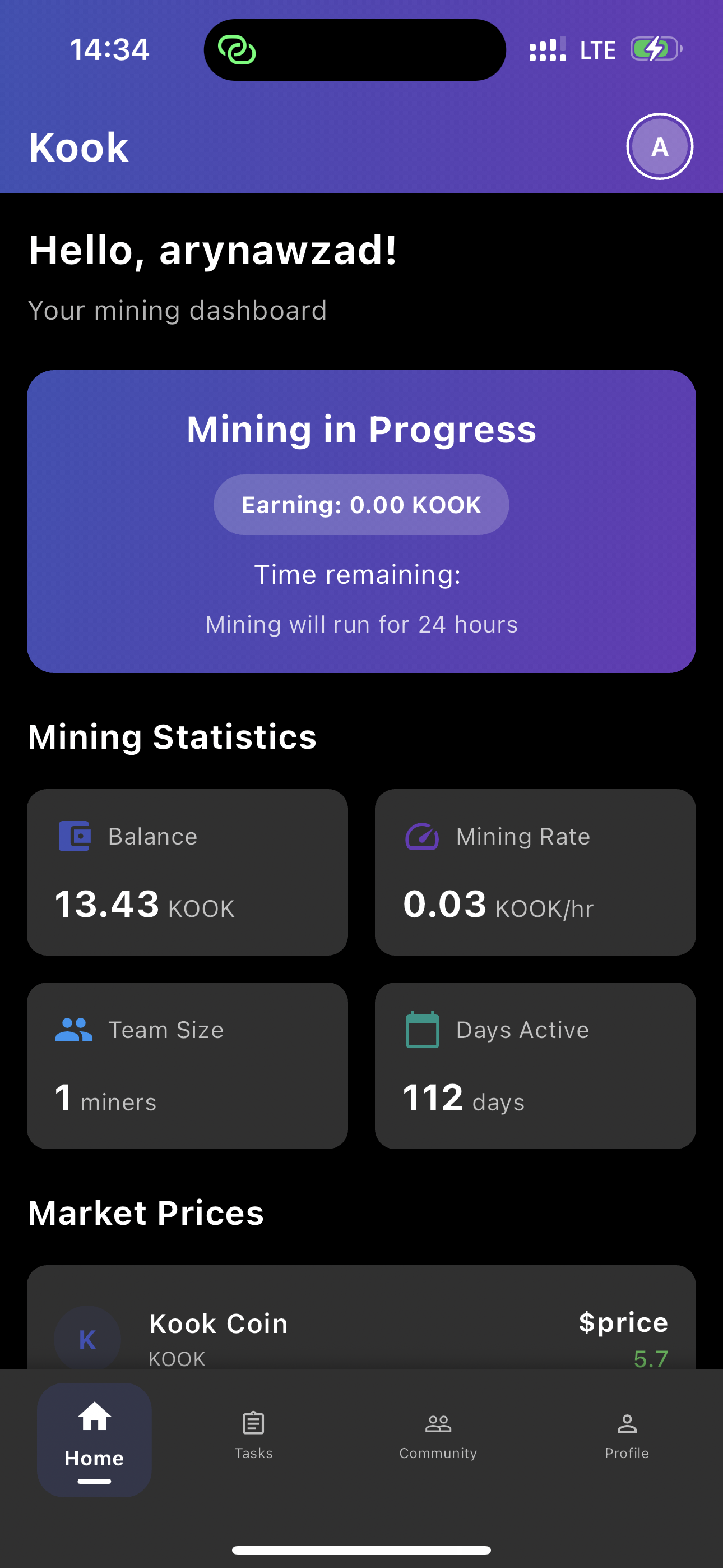 |
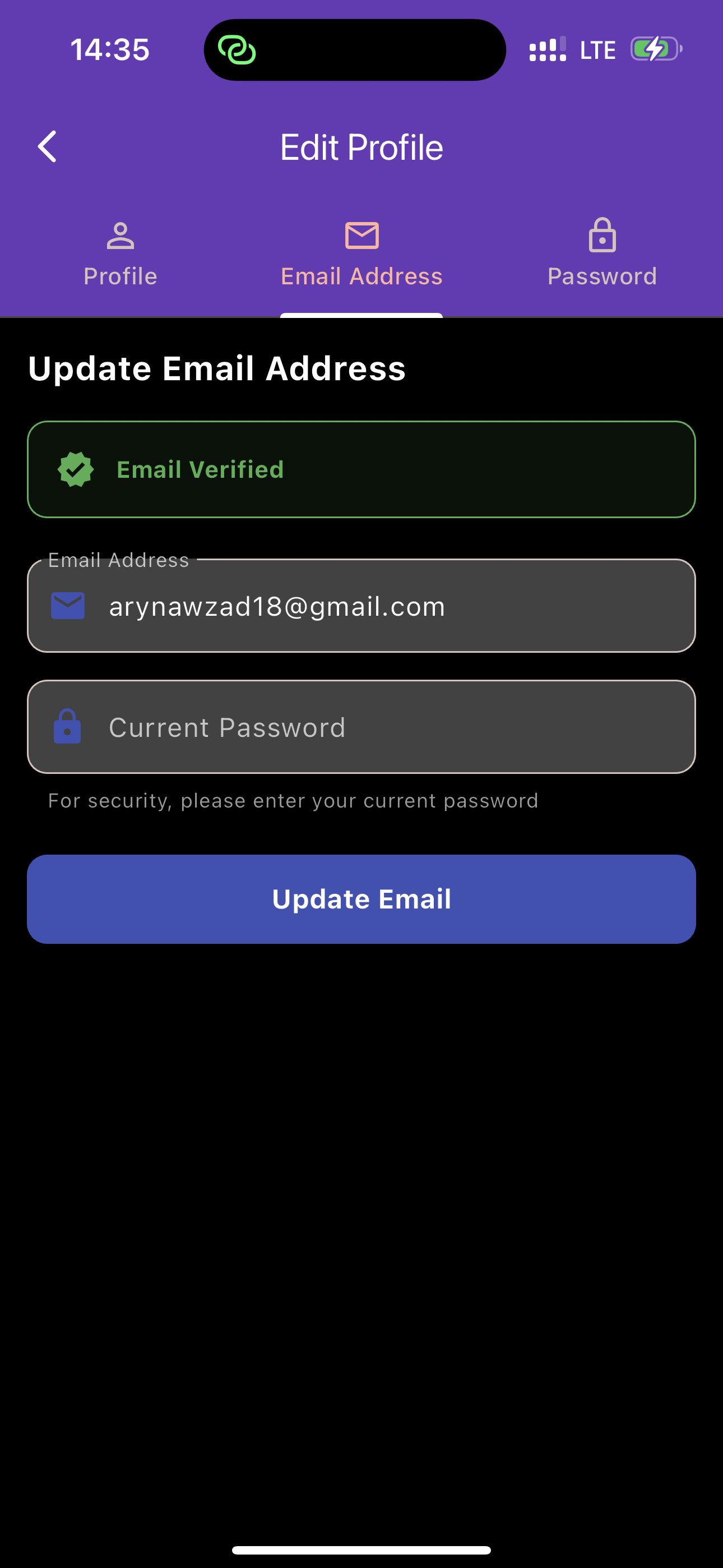 |
| Team Tab | Task Tab | Community Tab |
|
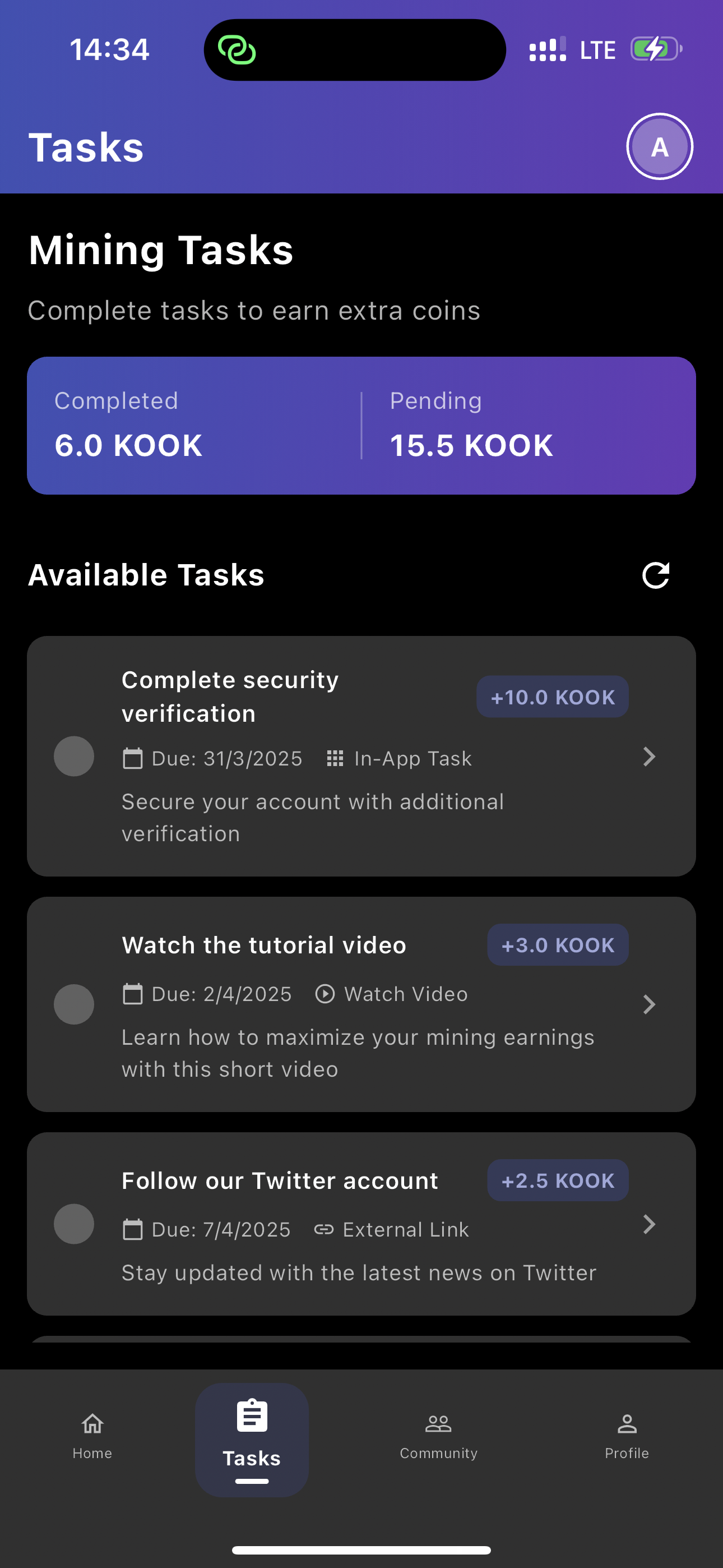 |
 |
- Authentication: User registration and login.
- Mining: A mining feature with statistics, status, and a timer.
- Tasks: Users can complete tasks to earn rewards.
- Community: A community section with team and global stats, posts, and channels.
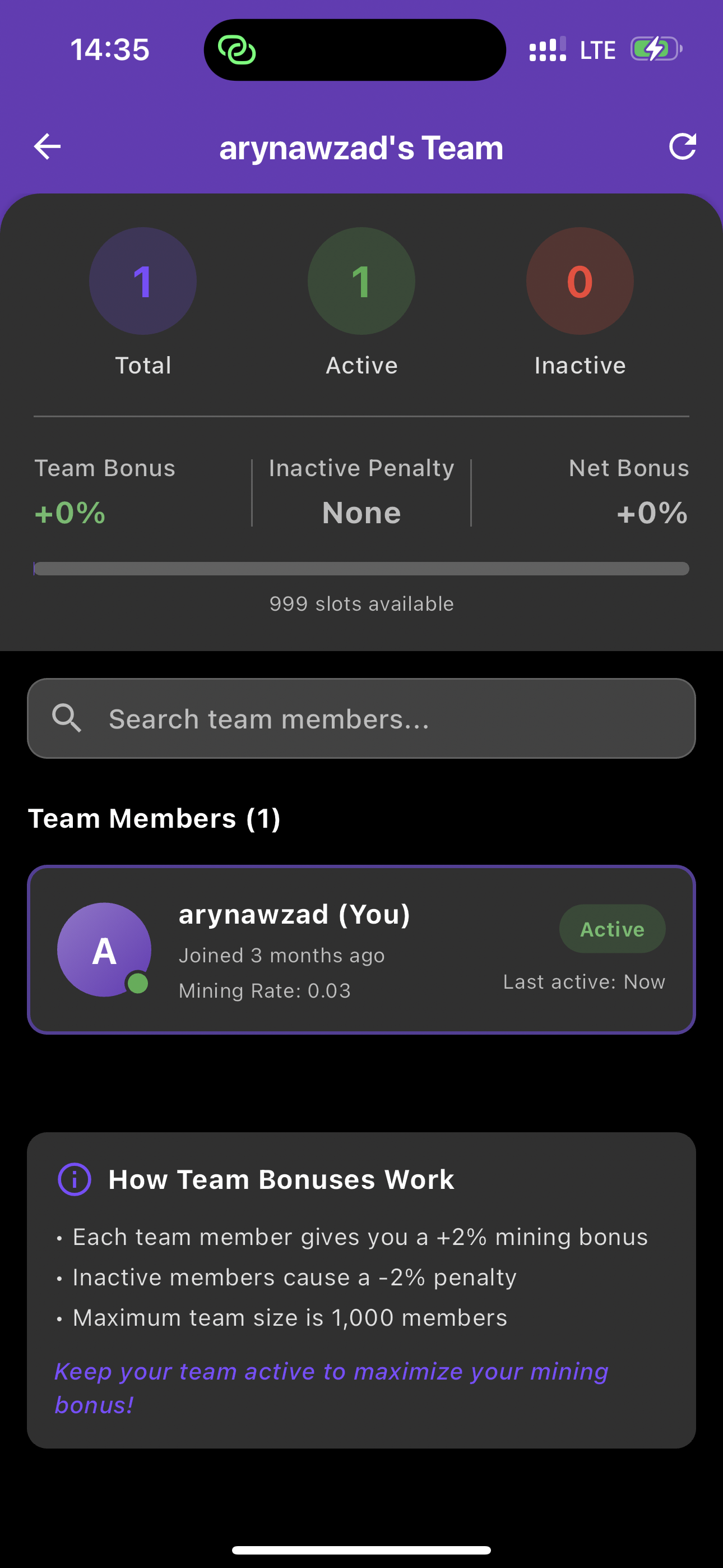
- Teams: Users can be part of a team, with active and inactive members affecting bonuses.
- Project Roadmap: A view of the project's current and upcoming features.
- Localization: Support for multiple languages including English, Arabic, French, German, Kurdish (Farsi), and Vietnamese.
- Light/Dark Theme: The application theme can be switched between light and dark mode.
- Flutter SDK: Version 3.4.4 or higher.
- Dart SDK: Version 3.4.4 or higher.
- An IDE such as Android Studio or Visual Studio Code with the Flutter plugin installed.
- For mobile development, you'll need either Android Studio with the Android SDK or Xcode for iOS development.
-
Clone the repository:
git clone https://github.com/arinawzad/Kooknetwork -
Navigate to the project directory:
cd kook -
Install the dependencies:
flutter pub get
You can run the application on various platforms using the following Flutter CLI commands:
flutter run -d android
The Android app uses a minSdkVersion of 21 and a targetSdkVersion of 33. The application ID is "app.example.com". The signing configuration for the release build is set up in android/app/build.gradle.kts.
flutter run -d ios
The iOS app is configured to run on iOS 12.0 and later. The necessary plugins and dependencies are managed through CocoaPods.
Linux
flutter run -d linux
The Linux application uses GTK for the user interface and has an application ID of "com.example.kook".
macOS
flutter run -d macos
The macOS application is configured to run on macOS 10.14 and later.
Windows
flutter run -d windows
The Windows application is set up with a binary name of "kook.exe".
The project follows a standard Flutter project structure. Here's an overview of the key directories:
- lib/: Contains the main Dart code for the application.
- main.dart: The entry point of the application.
- config/: Configuration files, such as api_config.dart.
- localization/: Contains localization files and delegates.
- models/: Data models for the application, such as user_model.dart and task.dart.
- providers/: State management providers using the provider package.
- screens/: UI screens of the application.
- services/: Services for handling business logic, such as API calls.
- tabs/: The different tabs available on the home screen.
- widgets/: Reusable UI widgets.
- assets/: Contains static assets like images, icons, and localization files.
- android/, ios/, linux/, macos/, windows/: Platform-specific code and configuration.
The project uses several third-party packages for various functionalities. The main dependencies are listed in the pubspec.yaml file:
- State Management: provider
- Storage: shared_preferences, flutter_secure_storage
- HTTP Requests: http, url_launcher
- Deep Linking: app_links
- UI Components: flutter_spinkit
- Localization: flutter_localizations, intl
- Notifications: flutter_local_notifications
- Connectivity: connectivity_plus
The application uses the provider package for state management. Different providers are used to manage different parts of the application's state:
- AuthProvider: Manages user authentication state.
- MiningProvider: Manages the state of the mining feature.
- TaskProvider: Manages the state of tasks.
- CommunityProvider: Manages the state of the community features.
- TeamProvider: Manages the state of user teams.
- ProjectProvider: Manages the state of the project roadmap.
- ThemeProvider: Manages the application's theme (light/dark mode).
- LanguageProvider: Manages the application's language.
The application supports multiple languages using the flutter_localizations package. The supported locales are:
- English (en)
- Arabic (ar)
- French (fr)
- German (de)
- Kurdish (Farsi) (fa)
- Vietnamese (vi)
Language files are stored in the assets/l10n/ directory in JSON format. The AppLocalizations class handles loading the appropriate translations.
The application is powered by a Laravel API that provides a backend for user authentication, mining, market data, tasks, community features, profile management, project management, and version control. It uses Sanctum for authentication.
The API has public and protected routes.
Public Routes
- /login: User login.
- /register: User registration.
- /password/forgot: Request a password reset link.
- /password/reset: Reset the password with a token.
- /version/check: Check the application version.
Protected Routes (require authentication)
- /logout: User logout.
- /user: Get the authenticated user's information.
- /user/profile: Update the user's profile information.
- /user/email: Update the user's email address.
- /user/password: Update the user's password.
- /email/verification-notification: Resend the email verification link.
- /mining/statistics: Get mining statistics.
- /mining/status: Get the current mining status.
- /mining/start: Start a new mining session.
- /mining/complete: Complete a mining session.
- /mining/balance: Get the real-time balance.
- /market/prices: Get market prices.
- /tasks: Get the list of tasks.
- /tasks/{taskId}/complete: Complete a task.
- /tasks/{taskId}/verify: Verify a task with a code.
- /community/team-stats: Get team statistics.
- /community/global-stats: Get global network statistics.
- /community/posts: Get community posts.
- /community/channels: Get community channels.
- /community/invite: Generate a team invite code.
- /team/members: Get the members of the user's team.
- /projects: Get all projects.
- /projects/active: Get active projects.
- /projects/upcoming: Get upcoming projects.
- /projects/{id}: Get, update or delete a specific project.
- /projects: Create a new project.
- /projects/{id}/progress: Update the progress of a project.
- AuthController.php: Manages user authentication.
- MiningController.php: Handles the mining functionality.
- MarketController.php: Provides market data.
- TaskController.php: Manages tasks.
- CommunityController.php: Manages community features.
- ProfileController.php: Handles user profile management.
- ProjectController.php: Manages the project roadmap.
- TeamController.php: Manages user teams.
The API uses a database with tables for users, teams, tasks, task completions, community posts, community channels, projects, password resets, referral relationships, and user invite codes.
The API uses Laravel Sanctum for API token-based authentication. Users need to register and log in to receive a token, which must be included in the Authorization header of subsequent requests as a Bearer token.