This file adds dark interface to the Blend admin theme of WHMCS
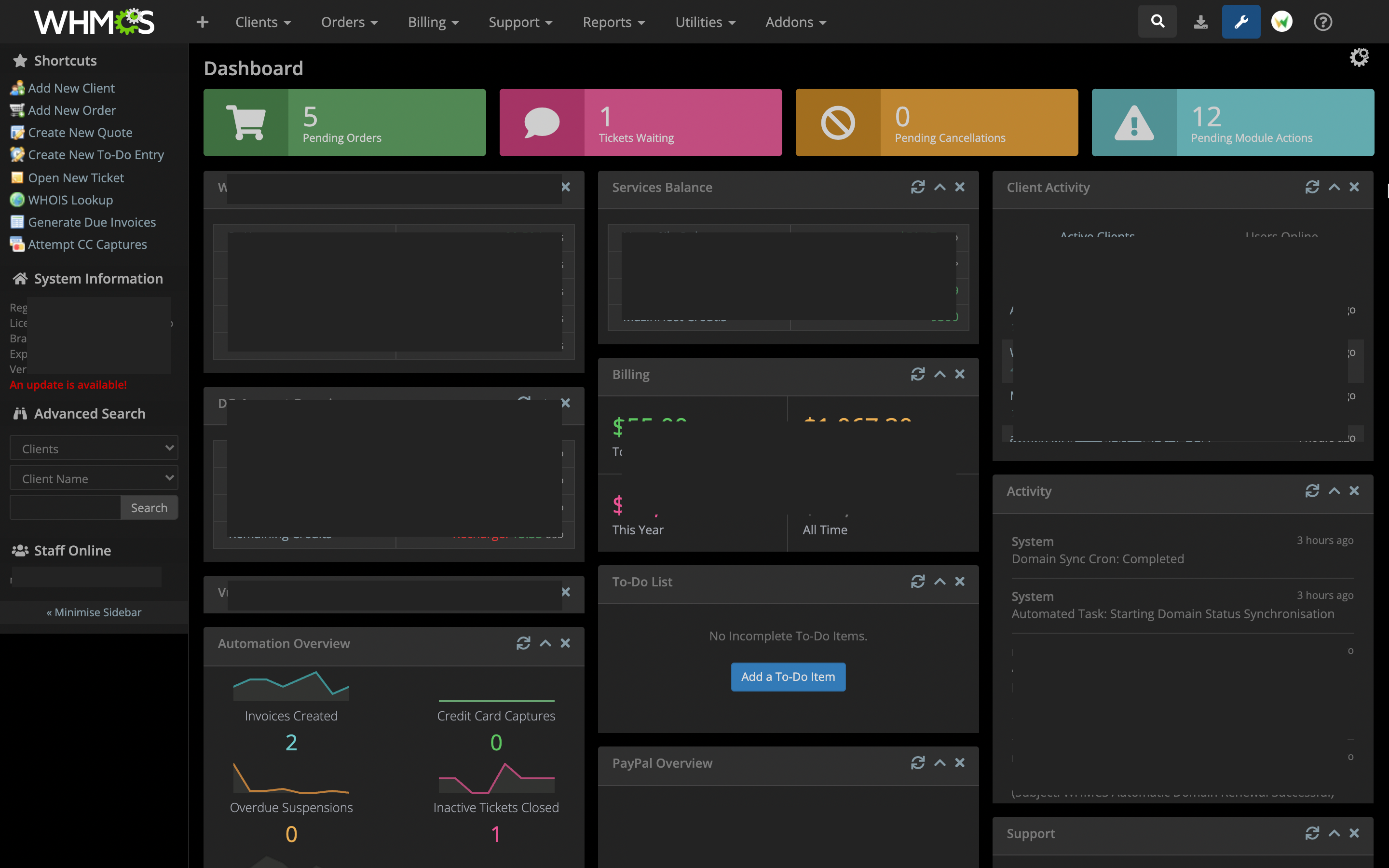
- Backup your WHMCS install folder first.
- Download the master of this repository and unzip the contents.
- Upload
darkblendfolder to your WHMCS addons folder:/yourwhmcspath/modules/addons/. - Navigate to
System Settings>Addon Modulesand then activateBlend Dark Modeaddon. - Refresh the page after activation to see changes.
- Go to your
/yourwhmcspath/includes/hooks/folder and remove theWHMCSBlendDarkMode.phpfile. Without this step, you may experience some style overrides from the old version css file.
- This addon is .compatible with WHMCS v8.x versions
- 3.0.0
- Redisgend as addon so installation process is now even more simple.
- Compatibility with WHMCS v8.x.
- 2.0.0
- Installation process has been made more simple now.
- More enhancements to appearance.
- 1.0.0
- Initial release.
- Mohamed S. (WevrLabs)
- brian! (WHMCS Community)
- Daniel M. Reck (forzandoArts)