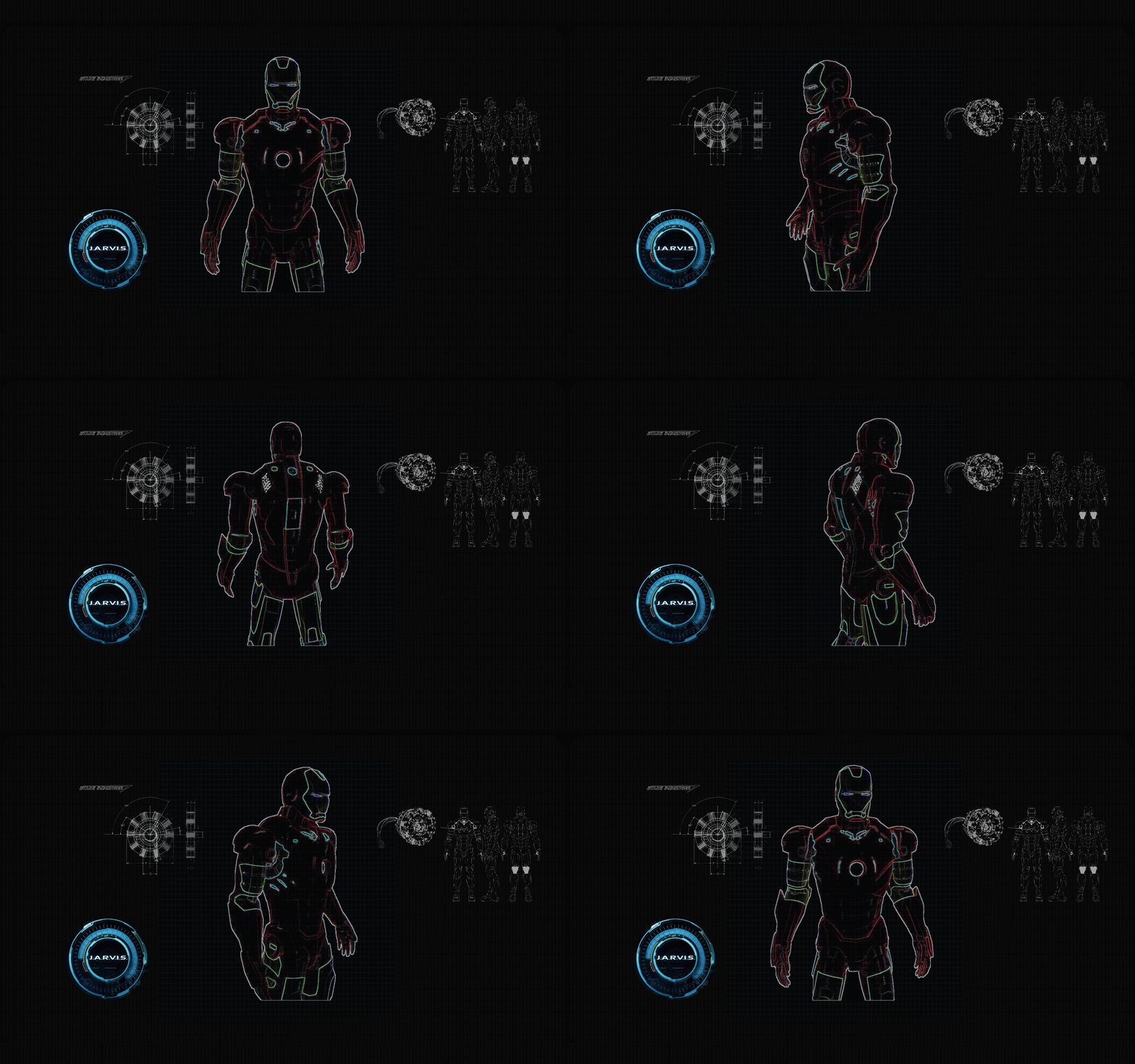
Ever wanted your own Iron-Man–style desktop assistant?
ASSISTANT (Jarvis Desktop Voice Assistant) is a powerful Windows voice-controlled desktop assistant built with Python, featuring a wake word, real-time animated web HUD, application control, system automation, and voice feedback — all packed into a single EXE.
🎙️ Wake it up by saying “Hey Jarvis”
💤 Executes tasks and automatically goes back to sleep
🖥️ Fully desktop-controlled by voice
ASSISTANT is designed specifically for Windows 10 / 11 and can be built as a standalone .exe using PyInstaller.
- No Python required for end users
- Runs a local Flask server for a cinematic animated HUD
- Uses real system shortcuts for true desktop control
- Focused on practical daily automation
But it does control your system like a real assistant.
- Python
- Flask (Local Web UI)
- HTML / CSS / JavaScript (HUD UI)
- SpeechRecognition
- pyttsx3 (Text-to-Speech)
- PyAutoGUI
- Wikipedia API
- PyInstaller (EXE build)
- Wake word: “Hey Jarvis”
- Sleep / wake state management
- Auto-sleep after completing a task
- Male / Female voice switching
- Global shutdown hotkey: Ctrl + Shift + J
Control your system hands-free:
- Open applications (Chrome, VS Code, Notepad, Calculator, etc.)
- Minimize / Maximize active window
- Close active window
- Go to desktop (
Win + D) - Switch to previous window (
Alt + Tab) - Bring Jarvis UI back on screen
Examples:
- “open chrome”
- “minimise”
- “maximize window”
- “close window”
- “window”
- “previous”
- Increase volume
- Decrease volume
- Mute / Unmute system sound
Examples:
- “volume up”
- “volume down”
- “mute”
- Open Google
- Open YouTube
- Open Chrome / Edge
- Open VS Code
- Open File Explorer
- Open Windows Settings
- Open Control Panel
- Open Camera
- Greet user
- Tell current time
- Tell today’s date
- Take screenshots
- Tell jokes
- Play local music
- Open Spotify
- Search and play songs by voice
- Open WhatsApp Desktop
- Search contact by name
- Send text messages using voice
(No phone number required)
- Cinematic Jarvis-style web interface
- Real-time state updates:
- Idle
- Listening
- Recognizing
- Speaking
- Animated rings, waves, and status text
- Runs locally at
http://127.0.0.1:5050 - Opens automatically with the assistant
- Windows 10 / 11
- Working microphone
- Internet connection (for speech recognition & Wikipedia)
- Spotify Desktop App (optional)
ASSISTENT/
│── jarvis.py
│── jarvis.ico
│
│── Jarvis/
│ └── web/
│ ├── index.html
│ ├── style.css
│ └── app.js
│
│── requirements.
git clone cd ASSISTENT
pip install -r requirements.txt
python jarvis.py
python -m PyInstaller ^
--onefile ^
--noconsole ^
--name ASSISTANT ^
--icon jarvis.ico ^
--add-data "Jarvis/web;Jarvis/web" ^
jarvis.py
dist/ASSISTANT.exe
- Hey Jarvis
- open chrome
- volume up
- open vs code
- minimise
- previous
- close window
- go to sleep
- Speech recognition accuracy depends on microphone quality
- Window commands act on the currently active window
- Chrome must be in focus for tab-related actions
- Native desktop window (no browser)
- System tray integration
- Command history panel
- Per-app volume control
- Weather & news integration
- Offline speech recognition
- This project is for learning and personal use.
- You are free to modify and extend it.
- Inspired by:
- Iron Man / Jarvis AI concept
- Windows desktop automation community
- Open-source Python ecosystem