
UnityMol is a molecular viewer and prototyping platform, coded in C# with the Unity3D game engine.
It is developed by Marc Baaden's team at the LBT laboratory at the IBPC institute of CNRS in Paris.
The VR version of UnityMol is based on the VIU framework to support HTC Vive and Oculus/Quest headsets.
UnityMol can currently read PDB, mmCIF, GRO, Mol2, XYZ and SDF files, OpenDX potential maps, XTC trajectory files.
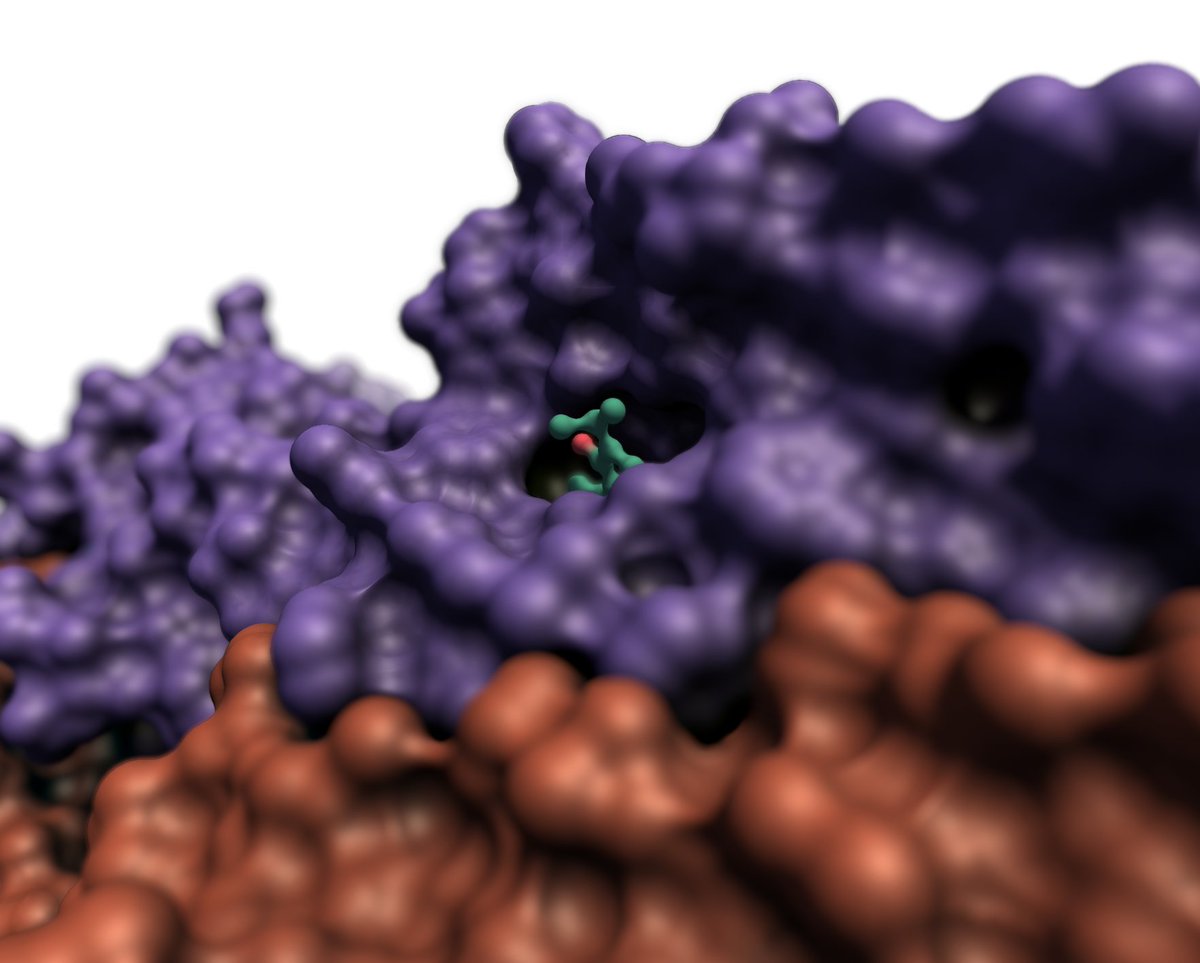
UnityMol includes HyperBalls designed to visualize molecular structures using GPU graphics card capabilities based on shaders (GLSL or Cg).
The current version release uses the SMCRA (Structure/Model/Chain/Residue/Atom) data structure supporting to load several molecules, with a python console, a selection language adapted from MDAnalysis, various molecular representations, a modern UI, and more.
The project is still actively developed and maintained, new releases should keep coming soon.
Please contact us on [email protected]. More information on https://unity.mol3d.tech/.
- a clean code base with a high level API
- VR capabilities with VIU (Oculus/Vive/...)
- some unit tests and documentation (work in progress)
- a python console to script all actions in UnityMol
- save/load commands to save/restore the current scene
- advanced selections using MDAnalysis language
- fast hyperball representation
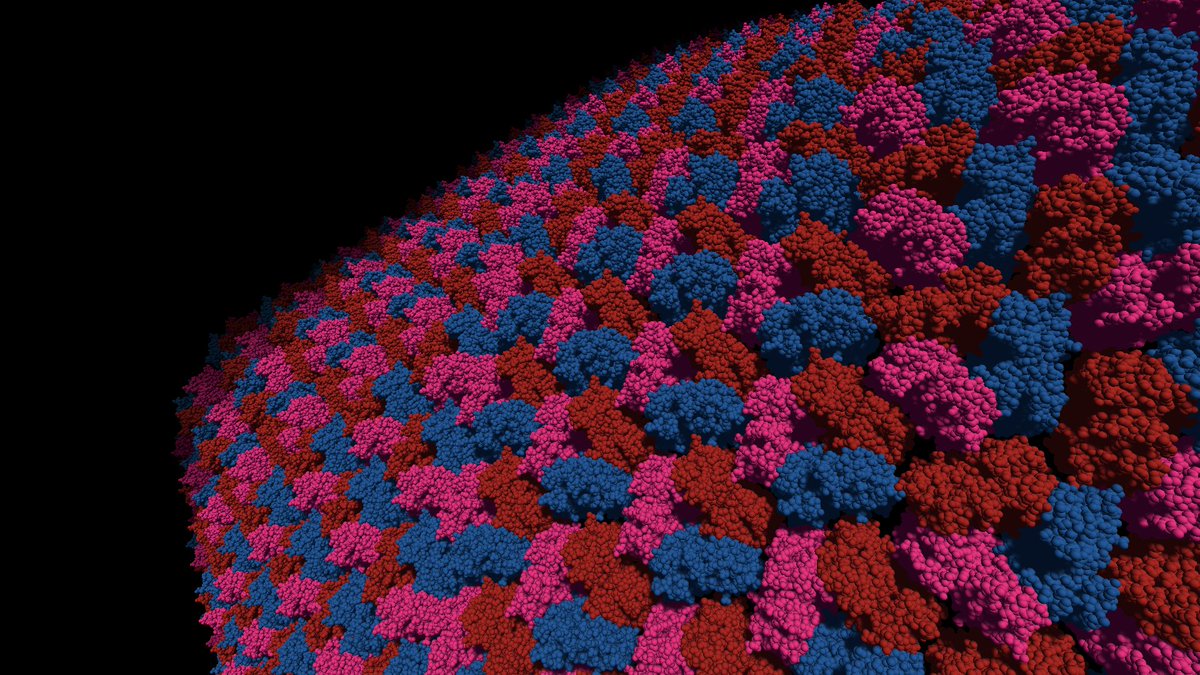
- classical molecular representations cartoon/surface/lines/fieldlines/VDW/
- covalent bonds based on OpenMM topology definition here
- molecular file parsers: PDB/mmCIF/GRO/MOL2/SDF/XYZ
- threaded trajectory reader: XTC | Trajectory smoother built-in
- molecular sufaces with EDTSurf and MSMS
- Hydrogen bonds detection based on Schrodinger's criteria
- object space ambient occlusion (AO) for surfaces and VDW hyperballs
- Unity UI
- The website of UnityMol is here: https://unity.mol3d.tech/
- The documentation can be found here: https://docs-unity.mol3d.tech/
- UnityMol provides a Python API to access functions from the console. The documentation is here: UMolAPI
Recent UnityMol versions can be found on the Release page.
UnityMol is based on the game engine Unity.
This version is working on Unity 2021.3.45f2 LTS, tested on Windows/Mac/Linux. Main development is done on Windows.
- Clone the repo with git lfs installed and open the project using the 2021.3.45f2 version of Unity.
MainUIScene.unityis the main scene for desktop.MainScene_VR_Desktop.unityis the Virtual Reality (VR) scene
To be able to play the scenes, these external assets are mandatory:
- Photon Voice 2 >=v2.58 (to download from the asset store & import): used for the Multiplayer mode
- SteamVR Unity Plugin v2.8.0 (to download from the asset store & import): used for the VR
The VR works on Windows only and has been tested on HTC Vive / Vive Pro / Oculus & Rift S. See the documentation.
Packages involved:
- VIU 1.19.0 (included in the repo)
- Asset SteamVR Unity Plugin - v2.8.0 (see above)
The scene lack of a skybox due to the large size of the image file needed. You can find nice examples on this website https://polyhaven.com/. For instance, we usually use this image https://polyhaven.com/a/noon_grass (version 4K).
To add it to the scene:
- Save the chosen image in the Assets folder.
- In the Editor, edit the following parameters in the Inspector view:
Shape->cubeMax Size->4096- Tick
Use Crunch Compression
- Choose the texture in the
Cubemapoption of theskyhdrmaterial (underAssets/Ressources/Materiels) - Generate LightMaps (Menu
Windows->Rendering->Lightning Settings)
The multiplayer layer is managed by the Photon Voice engine (https://www.photonengine.com/voice). It requires an account to the Photon Cloud for joining/creating rooms (see below).
Set Photon Server:
- Create a free account on https://dashboard.photonengine.com/
- Create both a PUN & Voice app (i.e
Photon SDK) - Copy both App ID (Pun & Voice) in the
Assets/StreamingAssets/PhotonIds.json
More information can be found in the documentation
Multiplayer works as is in the VR Scene.
In the classical Desktop scene, a user can also use the Multiplayer mode. When joining/creating a room, the VR room is activated and the user can navigate inside it with keyboard & mouse controls:
- WASD keys for the movement.
- Hold Left Ctrl + right click to rotate the camera.
-d <directoryPath>: change the current directory to the one in<directoryPath>.-i <filename1> [<filename2>,...]: load one or several files supported by UnityMol.-vor--version: print the UnityMol version.-ror--remoteControl: Start Unitymol with a TCP Server listening to receiving external commands.-cor--commons: Load automatically the python module UnityMolCommons.py found in Streaming Assets.
The Hyperballs shader is not working with the Single Pass Instanced rendering pipeline in VR.
A complete CHANGELOG can be found in the repo: CHANGELOG.md
This is implemented with IronPython, an interpreter for Python 2.7 in C#. You can use most of standard library python modules but not numpy of cython.
UnityMol implements an atom selection language, based on the MDAnalysis one. Please refer to MDAnalysis documentation (here) for a detailed explanation about the language and some examples.
The language is not fully implemented, also some keywords have been added. See the documentation
To load and display a molecule from a script, use UMol.API.APIPython functions:
using UnityEngine;
using UMol;
using UMol.API;

public class loadMolecule : MonoBehaviour {
	void Start() {
		UnityMolStructure s = APIPython.fetch("1KX2"); //This fetches the file from the PDB
		UnityMolStructure s2 = APIPython.fetch("PDBs/3eam.cif"); //This loads a local file

		UnityMolSelection sel = APIPython.select("3eam and resid 1:10 and chain A", "chainA"); //Create a selection
		APIPython.showSelection("chainA", "hyperball"); //Show the selection as hyperball

		APIPython.delete(s.name); //Remove a loaded molecule

		//Use more APIPython functions here
	}
}
Same commands from the python console:
s = fetch("1KX2")
s2 = load("PDBs/3eam.cif")
sel = select("3eam and resid 1:10 and chain A", "chainA")
showSelection("chainA", "hb")
delete(s.name)- This version is a snapshot, UnityMol is still in continuous development.
- In desktop mode, the camera does not move, the mocules are moving!
- Raycasting is done using a custom engine without using PhysX that caused a lot of slow downs for medium to large molecules.



UnityMol is dual-licensed under the GPL-3.0 (see under). However, all external assets used in UnityMol are under a permissive open-source license: MIT/Apache-2.0/BSD-3.0
For commercial use, UnityMol can be licensed under a custom license. Please contact [email protected]

-
X. Martinez, M. Baaden: UnityMol Prototype for FAIR Sharing of Molecular-Visualization Experiences: From Pictures in the Cloud to Collaborative Virtual Reality Exploration in Immersive 3D Environments Acta Crystallogr. D Struct. Biol. 2021, 77, 746–754.
-
Z. Lv, A. Tek, F. Da Silva, C. Empereur-mot, M. Chavent and M. Baaden: Game on, Science - how video game technology may help biologists tackle visualization challenges PLoS ONE 8(3):e57990.
For related work and others papers, please look at our website: https://unity.mol3d.tech/cite-us/