Most advanced XSS SQL LFI RCE vulnerabilities scanner in python (Multi-thread + proxy-support + Header support)
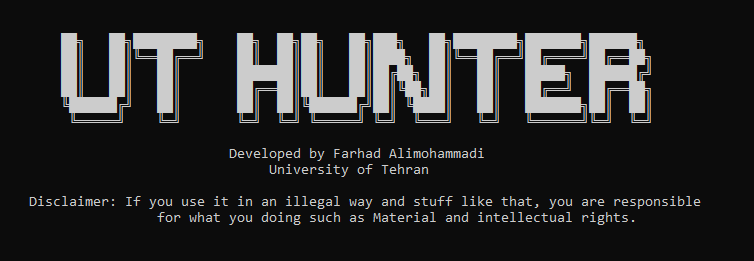
Parameters = -url , -proxy , -leecher_depth , -use_header , -bug_type
[1] -url => required
[2] -proxy => default is proxyless | if need use proxy, put proxies in proxies.txt and pass one of http socks4 socks5
[3] -leecher_depth => default is 0 - for this you need to pur your custom urls in leechedUlrs.txt file | if needed to use leecher, pass an integer to set depth for leeching from your url
[4] -use_header => default is no | if needed to use header, put headers as netscape format (google chrome inspector headers) in headers.txt and pass yes
[5]-bug_type => required and choices are [lfi,xss,sql]
[1]:
uthunter.py -url=http://192.168.106.129/mutillidae/ -bug_type=sql -leecher_depth=4
[2]:
uthunter.py -url=http://192.168.106.129/mutillidae/ -bug_type=sql
in this case you need to add urls in leeckedUrls.txt file otherwise you will faced wit an error
[3]:
uthunter.py -url=http://192.168.106.129/mutillidae/ -bug_type=sql -use_header=yes
in this case you need put headers (netscape format) in headers.txt file
be aware you can use cookies as headers as well and here one example of headers:
cookie: prov=c372e5d6-a595-a7c1-a96f-63a7f2e02622; notice-ssb=1%3B1662829767740
referer: https://www.google.com/
user-agent: Mozilla/5.0 (Windows NT 10.0; Win64; x64) AppleWebKit/537.36 (KHTML, like Gecko) Chrome/105.0.0.0 Safari/537.36
[4]:
uthunter.py -url=http://192.168.106.129/mutillidae/ -bug_type=sql -use_header=yes -proxy=http
in this case, you must put the proxies in proxy.txt file

Todo:
Parsing Mode ✅
Add HPP Tester
Password Reset Bug Test
...