
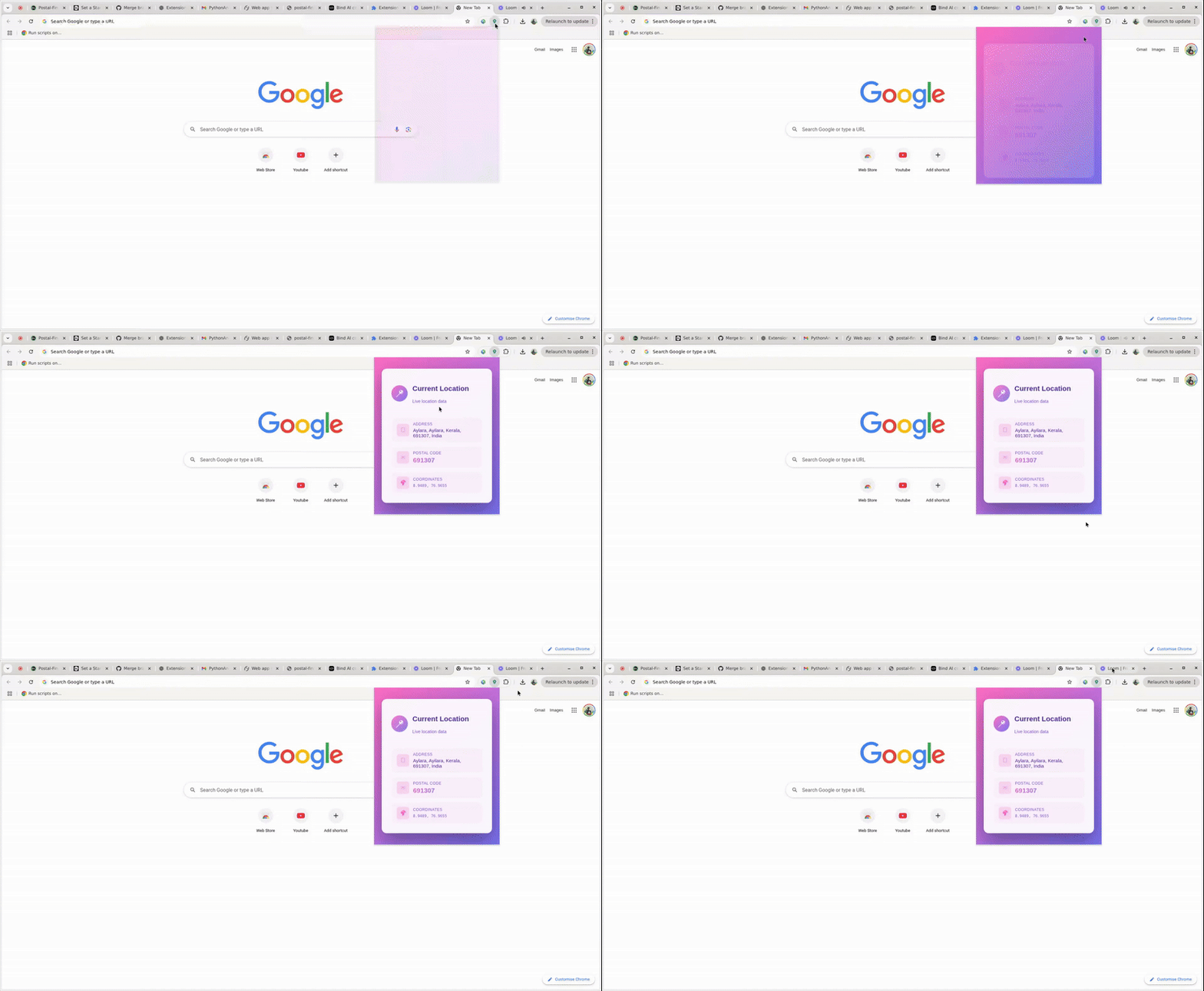
Postal Finder is a lightweight Chrome extension that fetches and displays your current location, postal code, and other location details in real-time. It uses a FastAPI backend for reverse geocoding and provides a clean, animated UI.
- Fetches current location using the Geolocation API.
- Displays:
- Full Address
- Postal Code
- Latitude & Longitude
- Animated, responsive UI with gradient styling.
- Graceful handling of errors and permission denials.
- FastAPI backend serving reverse-geocoding data.
Watch the extension in action:
- Frontend: HTML, CSS, JavaScript (ES6)
- Backend: Python, FastAPI, HTTPX
- Deployment: Railway / Docker
- Version Control: Git, GitHub
- Clone the repository:
git clone https://github.com/Alleny244/Postal-Finder.git
cd postal-finder/proxy-server- Create a virtual environment:
python -m venv venv
source venv/bin/activate   # Linux/Mac
venv\Scripts\activate # Windows- Install dependencies:
pip install -r requirements.txt- Run the FastAPI server:
uvicorn apps:app --reload --host 0.0.0.0 --port 8000Make sure the server is running before using the extension.
- Open Chrome and navigate to
chrome://extensions/. - Enable Developer Mode.
- Click Load unpacked and select the
popupfolder from the repository. - Click the extension icon to open the popup and fetch your location.
postal-finder/
├── css/
│   └── popup.css
├── images/
│   └── icons/
├── scripts/
│   └── script.js
├── popup/
│   └── popup.html
├── proxy-server/
│   ├── apps.py
│   ├── controllers/
│   ├── routers/
│   └── settings/
├── start.sh
└── manifest.json
- Click the extension icon.
- Allow location access.
- View your current address, postal code, coordinates, and region information.
- In case of errors, use the Retry button to re-fetch your location.
- Requires location services enabled in your browser.
- Ensure backend server is running.
- Designed to handle errors such as denied permissions or failed API calls gracefully.
MIT License
- Current Version: v1.0.0