Open two terminal windows:
Window 1 (This will start up the Django REST Server):
./startup.sh
Window 2 (This will start up the React App):
./run.sh
The React app can be accessed via localhost:3000
Note: if there are permission issues executing the shell scripts: First run:
chmod u+x ./startup.sh ./run.sh
On Restify, reservations to a rental property may be in one of the following states:
- Pending: the user makes a request to reserve a property on one or more consecutive dates.
- Denied: the host, i.e., the owner of the property, declines the reservation request.
- Expired: the host did not respond to a reservation request within a user-defined time window.
- Approved: the reservation request is approved.
- Canceled: the reservation was approved but later canceled by the user.
- Terminated: the reservation was approved but later canceled by the host.
- Completed: the reservation is realized, i.e., the user went to the property and stayed there.
- As a user, I can sign up, log in, log out, and edit my profile. Profile information should include first and last name, email, avatar, and phone number.
- As a host, I can leave rating and comment about a user who has had a completed reservation to one of my properties, viewable by other hosts.
- As a host, I can see the rating and past comments about a user who has one or more reservations on my property.
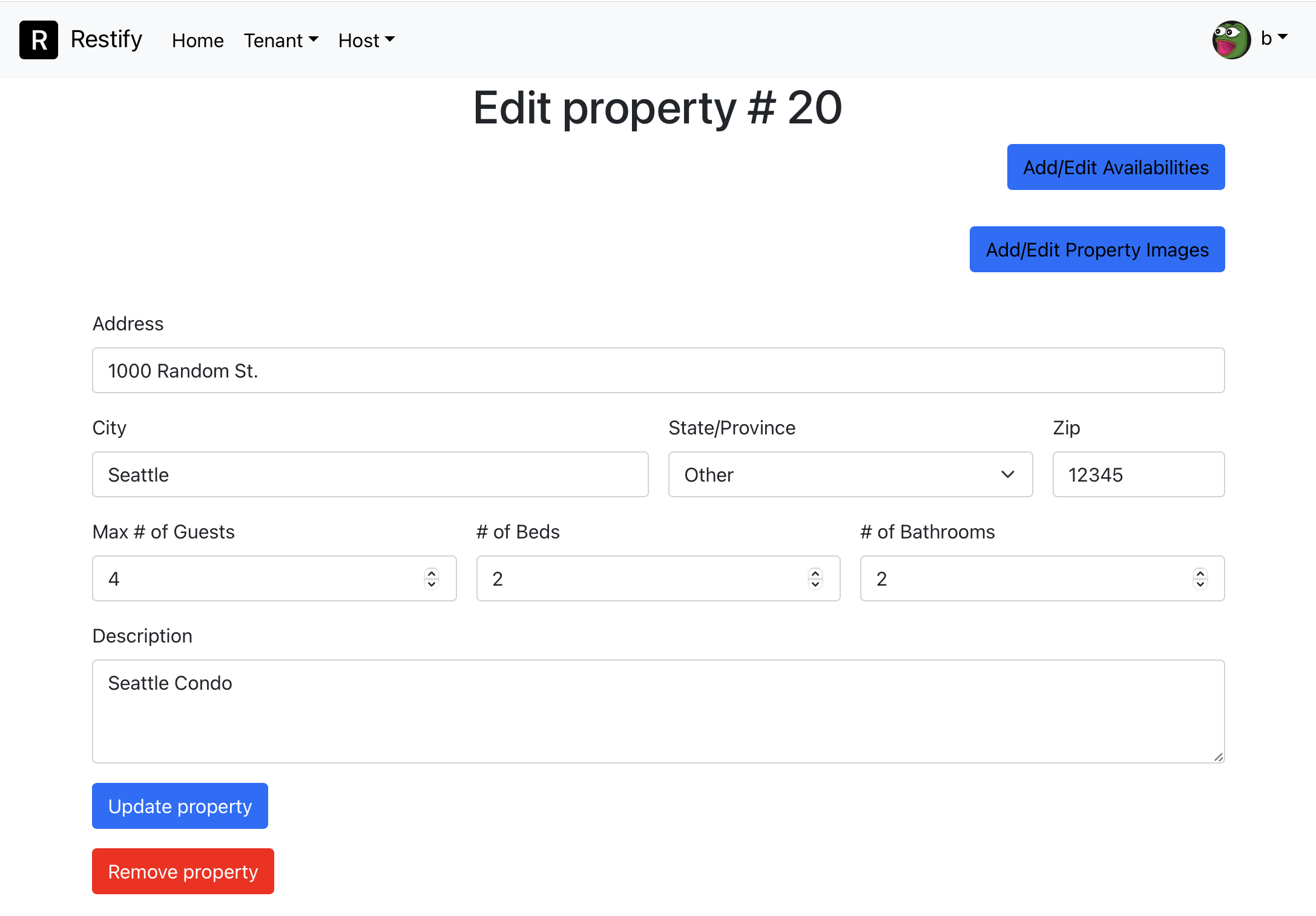
- As a user, I can create rental listings for my rental properties, of which I will become the host. A rental property is generally created by specifying its address, number of guests allowed, number of beds and baths, images, description, amenities available, etc.
- As a host, I can set a list of dates and the asking price for each time range, e.g., December may be more expensive than March. It is possible for a rental property to be unavailable.
- As a host, I can edit the general information of my rental properties and add/remove pictures to them.
- As a host, I can approve or deny pending reservation requests and cancellation request from the user.
- As a host, I can terminate existing reservations to my property at any time.
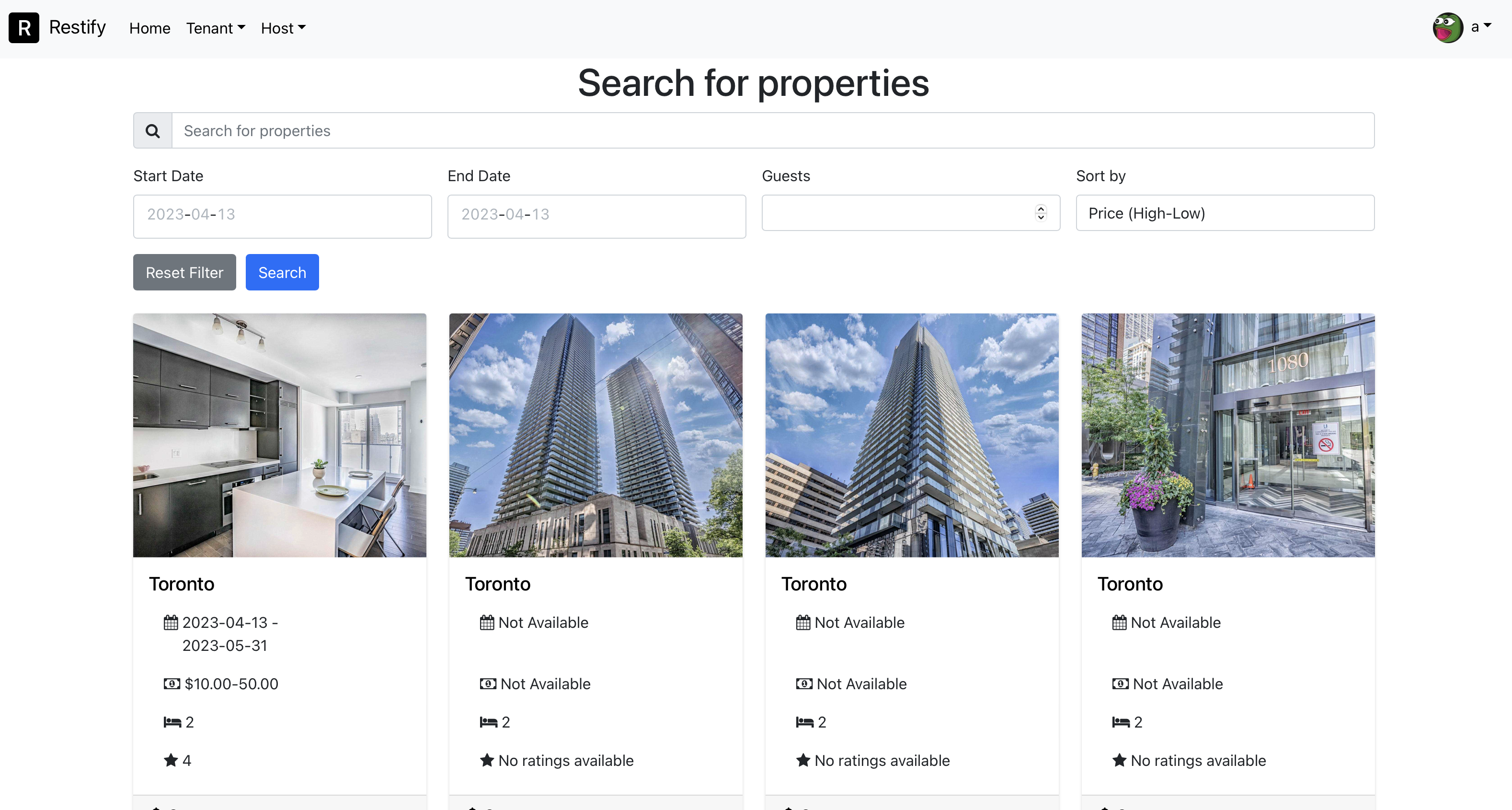
- As a user, I want to search through rental properties by their location, number of guests, amenities provided, and availability on certain dates. I should be able to order search results by price or rating.
- As a user, I can select a property and move to its property detail page, where I can see its general information, images, and comments.
- As a user, I can see the contact information of the host on the property detail page, e.g., so that I can ask about their properties through email or phone.
- As a user, I can request to reserve a property on its available days. Assume payment is done external to this website.
- As a user, I can view all of my past, present, and pending reservations.
- As a user, I can request to cancel my reservations at any time. Pending reservations are canceled without the host's approval.
- As a user, and for each completed or terminated reservation, I can leave a rating and at most one public comment to the respective property.
- As a host, I can respond to the public comments about my rental properties.
- As a user, I can respond to the host's follow-up comments, but cannot otherwise add more comments.
- As a host, I want to see notifications. I want to be notified when someone rates my property, posts a comment about my property, requests approval for making a reservation or cancellation.
- As a user, I want to see notifications. I want to be notified when my reservation is approved or canceled, or when the date of my approved reservations are about to come up.