Rounded Rectangles (selection tool) on macOS? #4469

Replies: 1 comment 2 replies

-
|
You can use a scroll wheel or scroll gesture to adjust the tool size, that will set the radius of the corners. The size is shared across some tools, so select the rectangle tool first, then adjust the size. |
Beta Was this translation helpful? Give feedback.

-
|
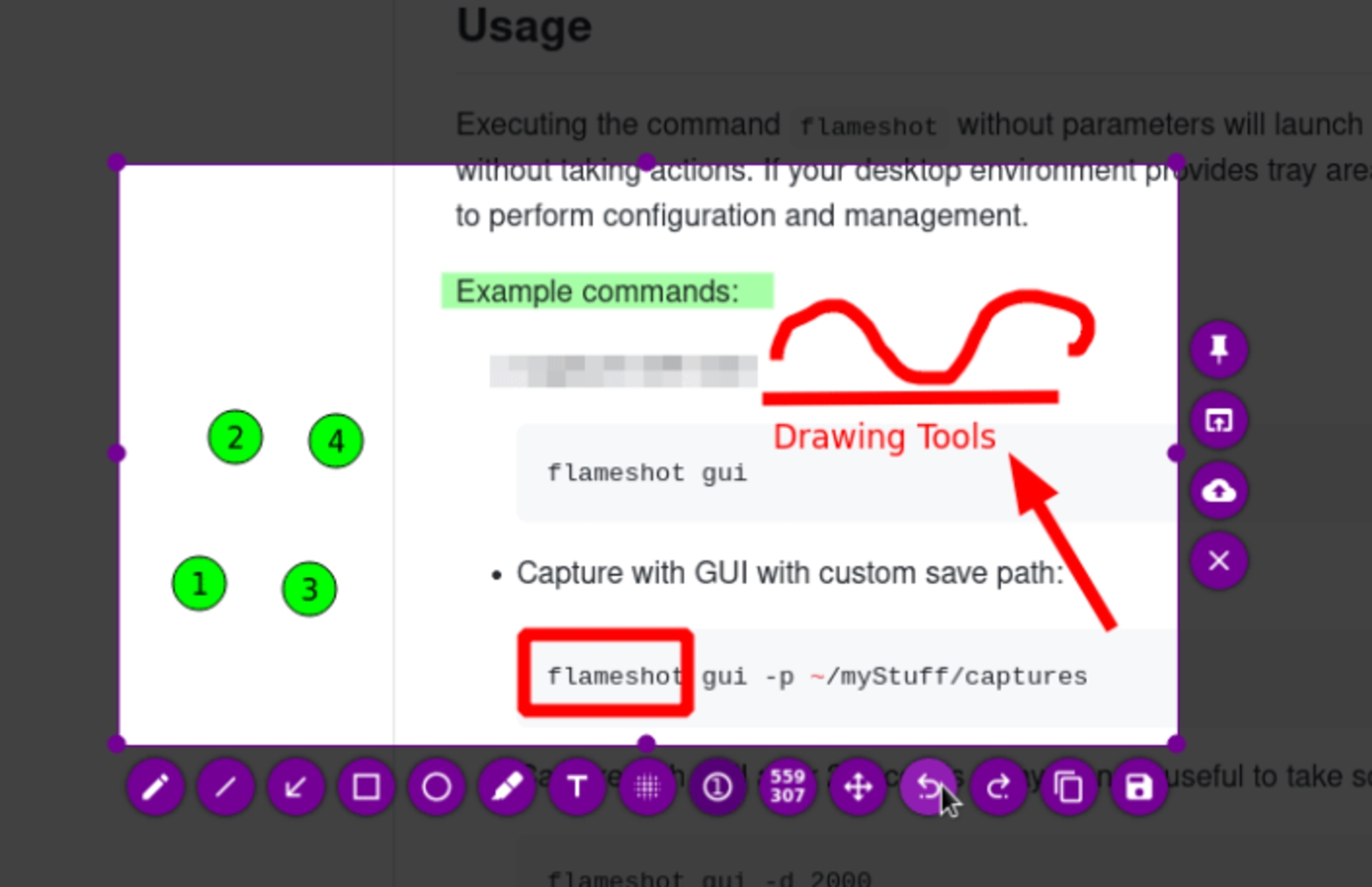
Hi @borgmanJeremy - I thought you had solved it! But turns out that only seems to make rounded corners for me on filled rectangles, not the outlined ones (like on the website - https://flameshot.org/img/in-app-screenshot-editing.jpg ) Maybe this is a bug? 
|
Beta Was this translation helpful? Give feedback.

-
|
Thanks I can replicate that behavior with the empty rectangles. I'll have to bisect the code later to see when it changed and if it was intentional. |
Beta Was this translation helpful? Give feedback.


Uh oh!
There was an error while loading. Please reload this page.
-
On the main website of Flameshot, and in the little animated video on the README of this repo, I see that the rectangle that someone draws has rounded corners.
I'm struggling to see how to do this on my own install of flameshot on macos, via brew. When I try to draw a rectangle, I only get sharp 90 degree corners, no matter what thickness (active tool size) I make the rectangle (selection) tool.
If it helps, some version info:
Flameshot v13.3.0 (88c951e)
Compiled with Qt 6.9.3
darwin: 24.6.0
macos: 15.7.1
(opened in Q&A, as I think this might be a user problem, vs a flameshot problem, as I see things like this that fix a problem with rounded corners! #1337 )
PS. It feels weird to me to call a rectangle tool a selection tool.
Beta Was this translation helpful? Give feedback.
All reactions