what is the name of this button/manager on grapes? #4625

Replies: 2 comments 15 replies

|
Hello! The command itself: https://github.com/artf/grapesjs/blob/dev/src/commands/view/Fullscreen.js And you can search for it using |
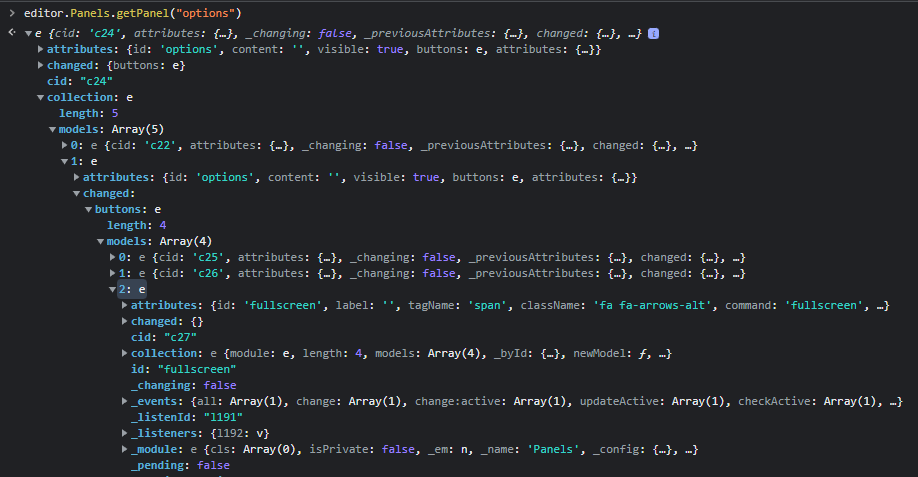

|
So, you should create a panel with Panel api from grapesjs: |

|
the said button here is my sidepanel buttons right? so i'll put their i.ds here ? |
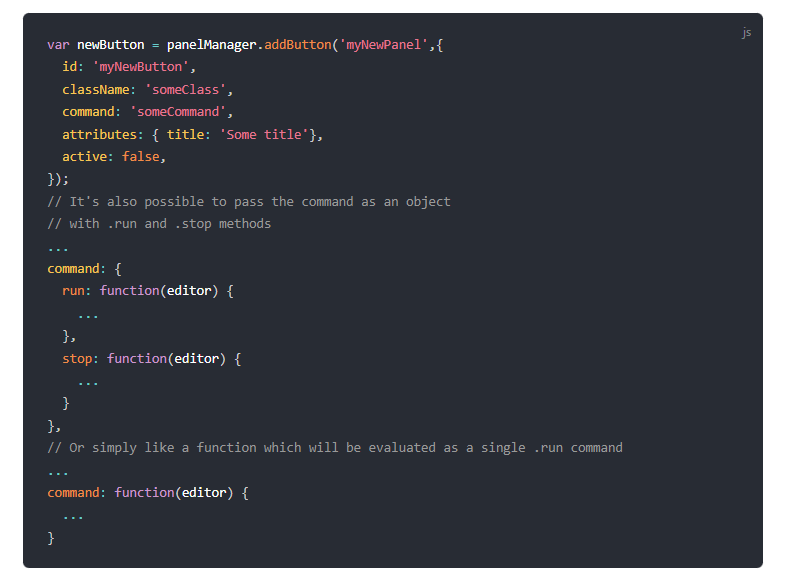
|
can't still put my sidepanel. i try to do something like this, but still can't figure it out
|
|
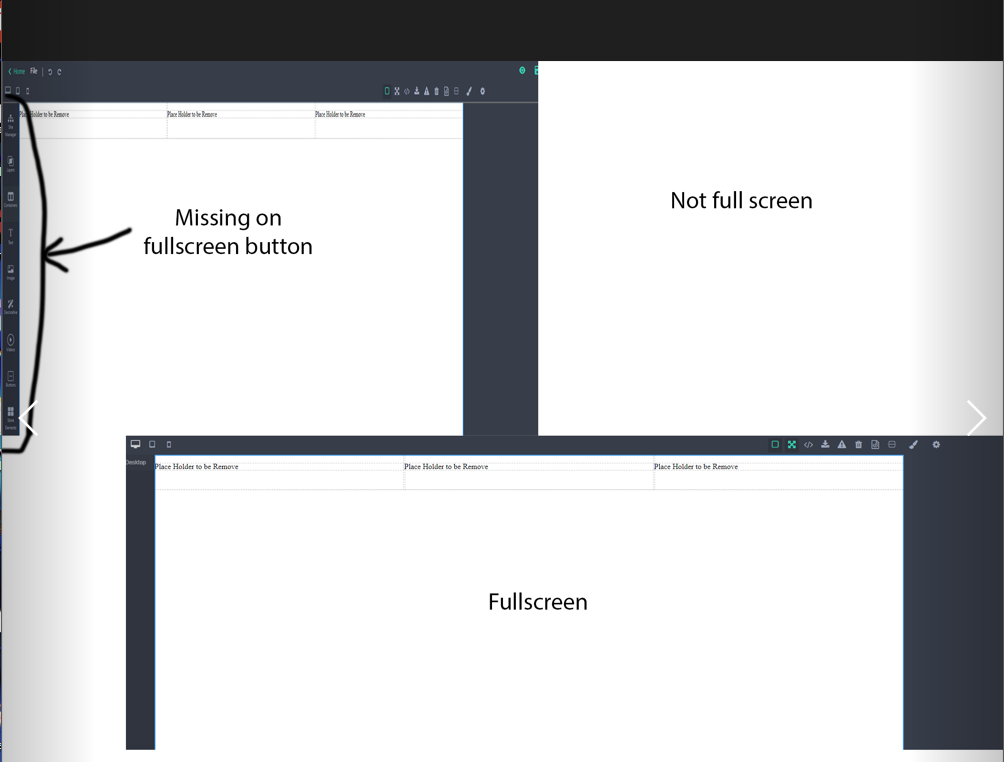
it goes here. not on the sidepanel that i made |
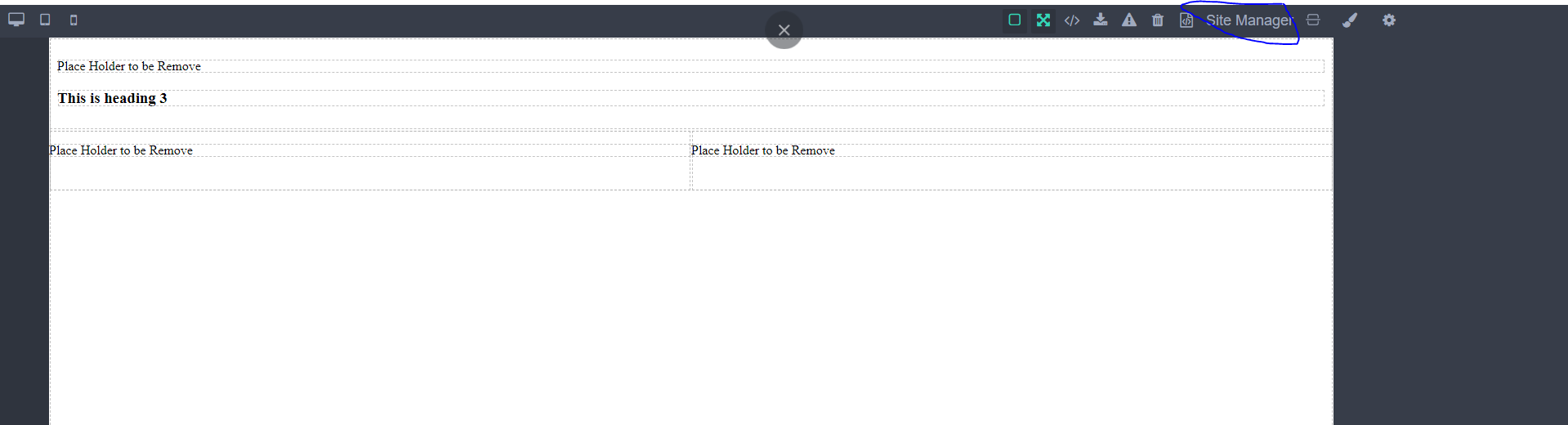
|
somehow i made it but it making a new button. even if it is not on fullscreen. btw it is not in the fullscreen mode (on the image sample)
|
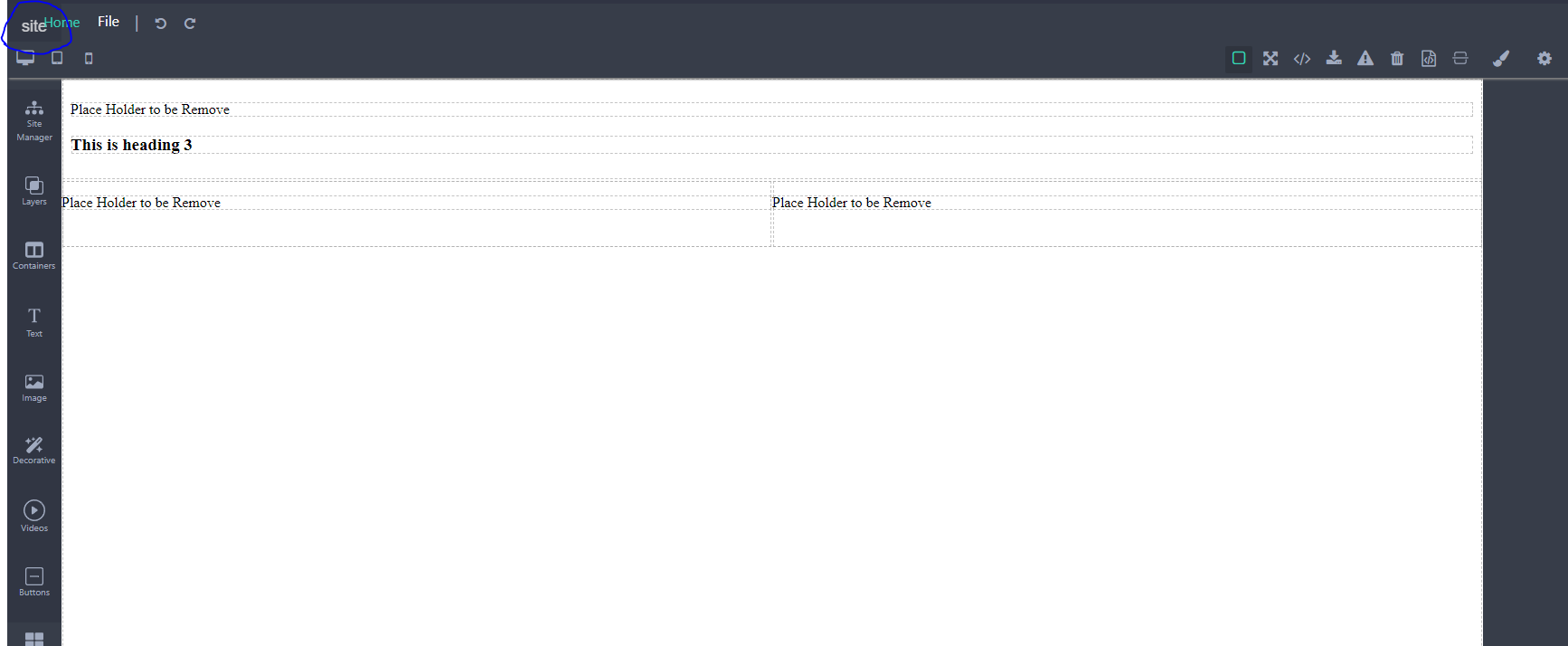

|
The fullscreen command supports a custom target option, so in your case, you can create a new custom command and update the button's command label. const fullscreenAppCmd = 'fullscreen-app';
// Create new command for the fullscreen
editor.Commands.add(fullscreenAppCmd, {
run: editor => editor.runCommand('core:fullscreen', { target: 'body' /* you can use your app container selector */ }),
stop: editor => editor.stopCommand('core:fullscreen'),
})
// Update current fullscreen button
editor.Panels.getButton('options', 'fullscreen').set('command', fullscreenAppCmd) |


Uh oh!
There was an error while loading. Please reload this page.
I was trying to find where or what is the name for this button/what manager is this fullscreen button to customize it (see first picture)? because on my customize UI it does not include the other stuff that I put (see the second image)
*first

*second
All reactions